"StreamLadder's ClipGPT actually knows what clips will go viral. 48% of my sub growth from shorts was within just the last 2 weeks."
TanisAtTheDisco
Updated November 2026
OpusClip counts every minute of video against a monthly credit balance. StreamLadder's ClipGPT clips unlimited Twitch and Kick streams by link and returns them framed for facecam and gameplay.
The short answer
StreamLadder and OpusClip both turn long videos into short vertical clips, and both score them for you. The difference is the meter. OpusClip charges one credit per minute of video, so a 4-hour stream uses most of a month's credits on its Pro plan. StreamLadder's ClipGPT is unlimited on Creator and Pro, takes Twitch and Kick streams by link and frames your facecam by default. OpusClip is the better fit for podcasts, interviews and webinars, and it returns more clips from one long video.
OpusClip is an AI clipping tool that turns long videos into short vertical clips. It's a general video tool, used for podcasts, interviews and webinars as well as streams. You upload a video or paste a link, and OpusClip picks the moments, scores them and adds captions and reframing.
| Feature | StreamLadder | OpusClip |
|---|---|---|
| How much you can clip | Unlimited on Creator and Pro, within fair use | 1 credit per minute of video: 150 a month on Starter, 300 on Pro |
| Twitch and Kick streams by link | Both, with ClipGPT on Creator and Pro | Twitch links need its Pro plan; Kick links are accepted, plan not stated |
| What it's made for | Streams: facecam and gameplay layouts by default | Any long video, with tools for spoken content |
| Clips from a stream over 2 hours | Up to 30 | 42 to 55 |
| Free trial | 7 days of every feature | 7 days of its Pro plan, no card needed |
| Free plan | Clip editor that exports, with no watermark on basic edits | 60 credits of AI clipping a month, with a watermark |
| Sub-only Twitch VODs | Yes, once Twitch is linked | Links must be public or unlisted |
| Schedule posts on the entry plan | ||
| Post to X | On Pro, no extra charge | On Pro, 3 credits per clip |
| Post to LinkedIn | ||
| 4K export | 4K/60 on Pro | Only when the source video is 4K |
| Working with an editor | Up to 2 editors on Pro, more on request | Team workspace from Pro, seats sold in packs |
The comparison
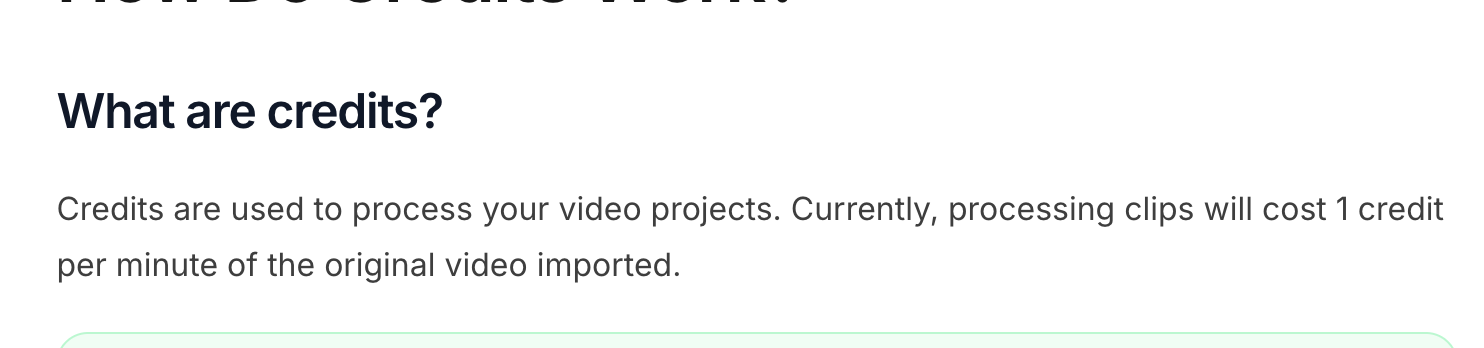
OpusClip meters AI clipping by the minute. Its help centre says "processing clips will cost 1 credit per minute of the original video imported". Starter includes 150 credits a month and Pro 300, so one 4-hour stream uses 240 of Pro's 300.
ClipGPT has no credits and no minute meter. It's unlimited on the Creator and Pro plans, within fair use, so you can run every stream you do.
Winner: StreamLadder. No meter on Creator and Pro; OpusClip's Pro credits cover about 5 hours of stream a month.
On StreamLadder, yes: paste a link to a Twitch or Kick stream and ClipGPT scans the whole thing. Sub-only Twitch VODs import once you link your Twitch account. YouTube streams go in as an upload, up to 10 GB.
On OpusClip it depends on your plan. Its help centre lists which sources each plan can import: Free takes YouTube links and local files, and Twitch is added on Pro. On Starter you'd download the stream and upload the file. OpusClip also lists Kick as a link source, without saying which plan, and asks that links are "public or unlisted".
Winner: StreamLadder. Twitch and Kick links work on the plan that has ClipGPT, sub-only VODs included; on OpusClip, Twitch links start at Pro.
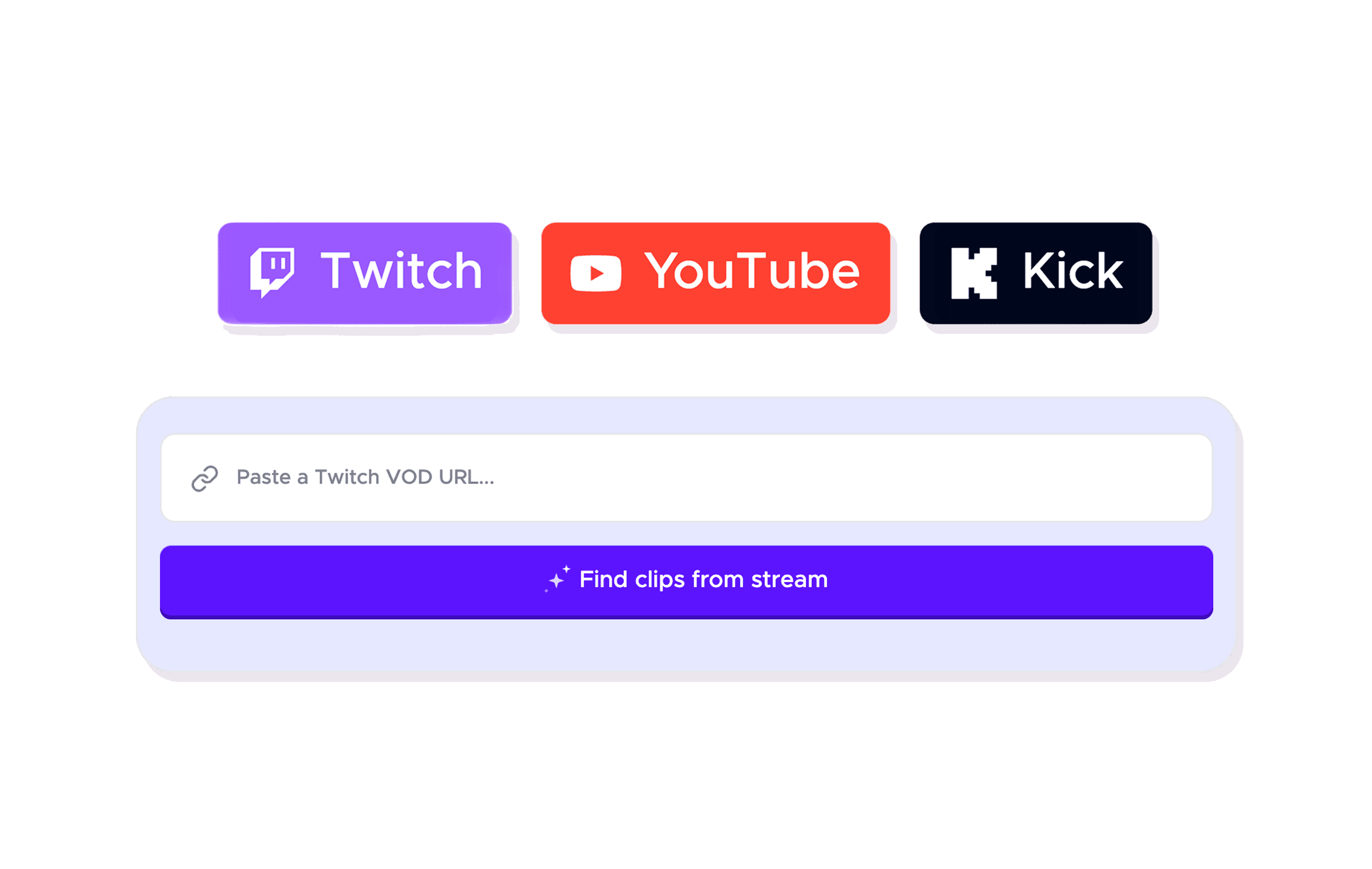
ClipGPT is made for stream footage. Clips come back with your facecam framed (V-Tubers included), captions, hashtags and a hook title, ready to post. If you want to change something, the editor has layouts for gameplay with facecam, Twitch emotes and sound effects. You can also say "clip that" while you're live and ClipGPT turns that moment into a clip.
OpusClip reframes with AI object tracking that keeps moving subjects centered, and its extra tools are aimed at spoken content: AI B-roll, speech enhancement and dubbing. For a podcast or an interview, that's the better toolkit.
Depends on your footage. StreamLadder for gameplay with a facecam; OpusClip for podcasts, interviews and webinars.
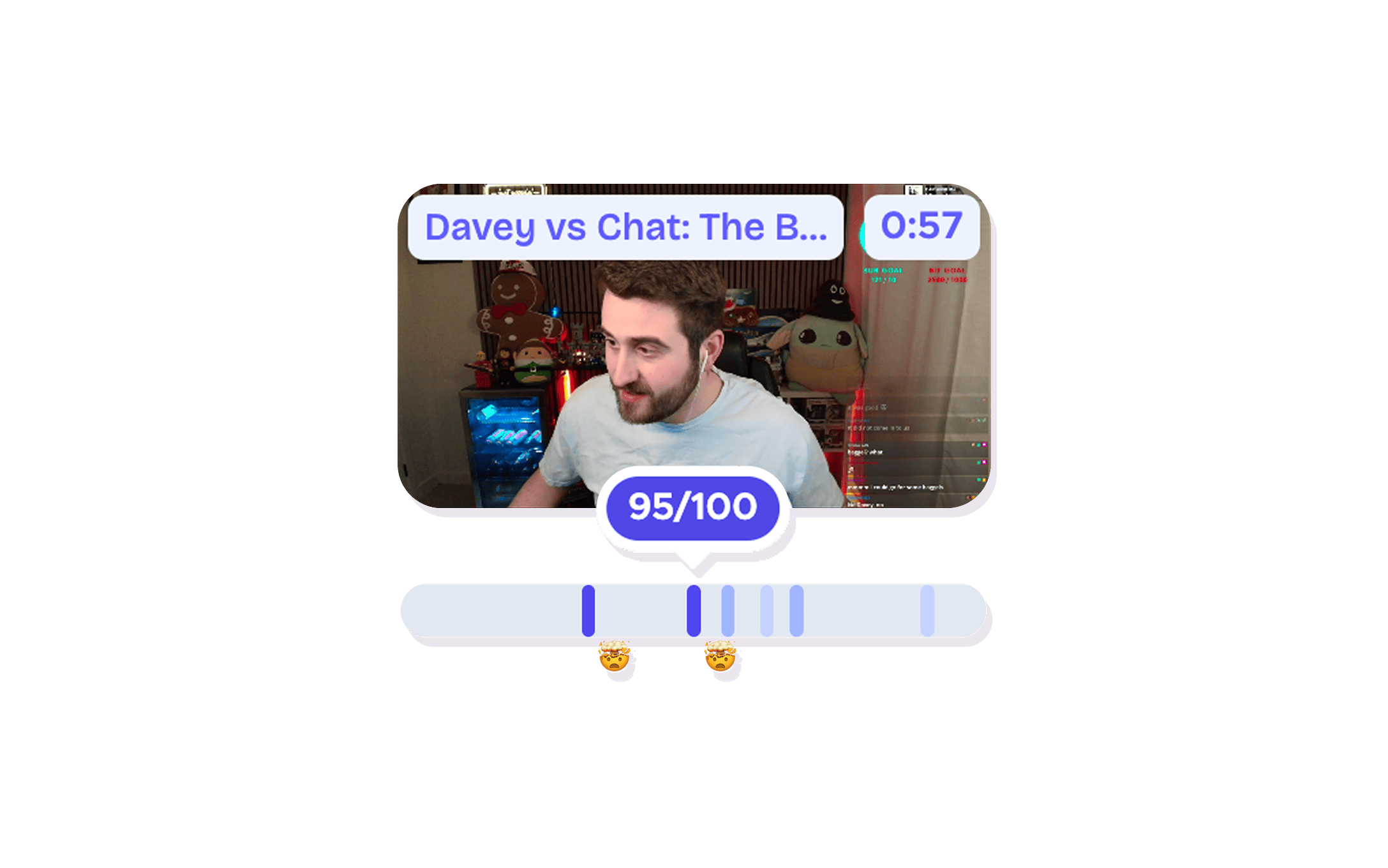
More from OpusClip. Its help centre says a video over 120 minutes returns 42 to 55 clips, each with a virality score.
ClipGPT returns up to 30 finished clips per stream, ranked by virality score so you know which to post first. Because there's no meter, you can run a long stream in parts if you want more.
Both tools let you ask for something specific. OpusClip takes a prompt that describes the moment you want. With Find clips you tell ClipGPT what you're looking for in your own words, like "the funniest moments" or "every time chat went wild", and it finds those moments in your stream and returns them as edited clips.
Winner: OpusClip. 42 to 55 clips from a video over 2 hours, against up to 30 per stream on StreamLadder.

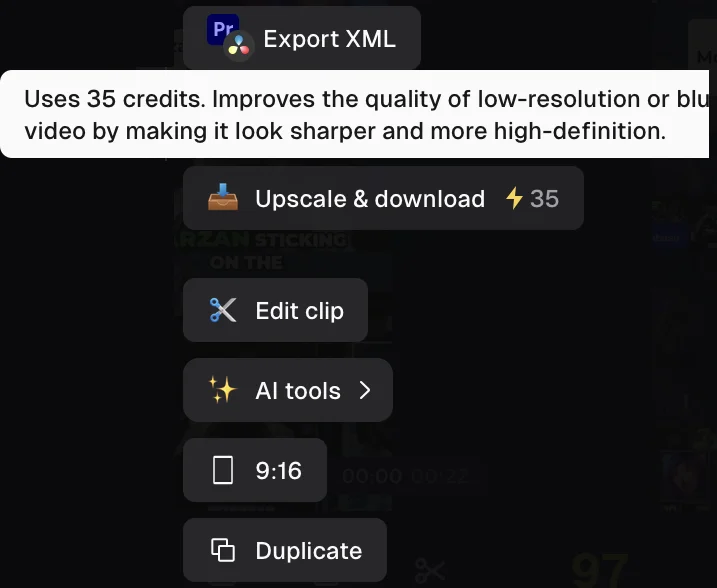
On OpusClip, two things use credits on top of processing. Upscaling a clip is a Pro feature that shows "the base upscale cost (e.g. 23 credits)" before you confirm, and posting to X costs 3 credits per clip for each X account, according to its help centre.
StreamLadder has no credits. Exports are 1080p at 60 fps from Starter and 4K at 60 fps on Pro, and posting to X is part of Pro.
Winner: StreamLadder. No credits for exports or posting; on OpusClip, upscaling a clip and posting to X both use credits.
StreamLadder, in our test. ClipGPT clipped the full 4-hour stream in about 5 minutes. OpusClip took 1 hour 31 minutes to clip the first hour of the same stream.
Winner: StreamLadder. In our test ClipGPT finished the full 4 hours in about 5 minutes; OpusClip took 1 hour 31 minutes for the first hour.
Our OpusClip run used its free access, not a paid plan. OpusClip says its paid plans process faster.
What each plan includes, and where the limits are.
| Plan | StreamLadder | OpusClip |
|---|---|---|
| Free |
|
|
| Free trial |
|
|
| Entry | Starter
| Starter
|
| AI clipping | Creator
| Pro
|
| Top | Pro
| Business
|
| Extra charges |
|
|
| 4-hour streams, 2 to 5 a weekWhich plan covers it (about 35 to 87 hours a month) | Creator
| Pro
|
Prices can change, so we don't list them here. See StreamLadder pricing.
The verdict
you clip Twitch or Kick streams every week and don't want to watch a meter.
your long videos are podcasts, interviews or webinars.
Get started
Moving over? Download the OpusClip clips you want to keep first. Its pricing page says clips expire after 3 days on Free and 29 days on Starter.
"StreamLadder's ClipGPT actually knows what clips will go viral. 48% of my sub growth from shorts was within just the last 2 weeks."
"It has made it way easier for me to schedule posts across platforms in batches - tripling overall views on YT in the last 28 days."

"Since I started the creator accelerator program I've gained over 100% viewership on all my channels!"

"StreamLadder has helped me TRIPLE my viewers across all platforms on all my short form videos!"

"I have went from 0 views on YouTube to over 8k views in the past 28 days. I have content uploading 2x a day now."
"I have seen over a 50% viewership on TikTok and over 10k views on YouTube."
"Views went on YouTube being 200 normal to now 1k or higher in most situations thanks to scheduled posting on multiple platforms."

"I now have solid consistency over on my previously quiet Instagram, with some more eyes on my TikTok too!"

"I went from uploading maybe a couple clips a month, to several clips PER DAY. As a result, I have been getting more views than ever!"

"I've started using StreamLadder more frequently and I've seen a huge increase in engagement and views especially on YouTube!"

"This has been such an amazing tool and it has helped me grow on all platforms."

"6 new shorts from one 2 hour stream. 30 shorts posted in 30 days. 100,000+ views. 500+ subs. Took less than 30 minutes."
"Since using streamladder - I've gotten over 3.5 million views across Instagram, YouTube, and TikTok."
"helped me grow my clipping channels from 5k to 200k viewers per month over this last month"
"recently had my first reel with 1 million views and StreamLadder certainly played a part in that"
"I've seen an increase of 652% more views in the past month on my YouTube Channel"
"Very first day I used StreamLadder, I created a clip that went viral on YouTube and TikTok"
"I just stream, and ClipGPT turns my mess into moments. Straight up magic."
"I've grown about 100 new subs and 1000 new followers/subscribers over the last week."
OpusClip is a general AI clipper that charges one credit per minute of video. StreamLadder is made for streamers: ClipGPT is unlimited on Creator and Pro, takes Twitch and Kick streams by link and frames your facecam by default.
StreamLadder is built for streamers who clip long Twitch and Kick streams. ClipGPT is unlimited on the Creator and Pro plans, frames your facecam automatically, and lets you schedule clips to TikTok, YouTube, Instagram, Facebook and X.
StreamLadder's free plan is a clip editor you can export from. To try AI clipping of whole streams, start the 7-day free trial. OpusClip's own free plan includes 60 credits of AI clipping a month, with a watermark.
Yes, but pasting a Twitch link needs its Pro plan; on Free and Starter you upload the file. Every minute of video uses one credit, so a 4-hour stream uses 240 of the 300 credits on Pro.
On the free plan, yes; paid plans remove it. Basic editing on StreamLadder never adds a watermark, on any plan, including free.
For streamers clipping long VODs every week, usually yes: ClipGPT isn't limited by minutes and was much faster in our test. For podcasts and interviews, or if you want 40 or more clips from one video, OpusClip is a strong choice.
ClipGPT makes up to 30 clips per stream on the Creator and Pro plans, and ClipGPT use is unlimited, so you can clip every stream. You can also say "clip that" while you stream to capture a moment, or clip anything by hand in the editor.
Yes. ClipGPT scans full Twitch and Kick streams, or uploads up to 10 GB, and picks the moments most likely to get views on social media. Clips come back fully edited: cropped to vertical, facecam framed, with captions, hashtags and a hook. It's unlimited on Creator and Pro, within fair use.
Yes, on Pro. Invite up to 2 editors to your workspace, or more on request. Only you need a plan. They can clip, edit and schedule from your streams, and you choose who can post to your socials. OpusClip has a team workspace from its Pro plan, with seats sold in packs.
In September 2026 we ran the same 4-hour Twitch stream, a League of Legends broadcast, through both tools once each and timed each from import to finished clips. OpusClip ran on its free access, which covered 60 minutes of video, so it processed the first hour.
| StreamLadder | OpusClip | |
|---|---|---|
| Video processed | Full 4 hours | First hour (free limit) |
| Time from import to finished clips | About 5 minutes | 1 hour 31 minutes |
OpusClip's plans and features come from its pricing page and homepage, and from its help centre articles on how credits are used, plans and import sources, supported links, clips per video, upscaling and 4K export. OpusClip's help centre and pricing table disagree on which plan has 4K export, so we only state the part they agree on. A ✗ means we didn't find the feature on OpusClip's own pages.
Plans can change. If something here is out of date, tell us on our Discord or through the support chat in our user guides.
Real clips made by real creators using StreamLadder - totalling over a hundred million views.
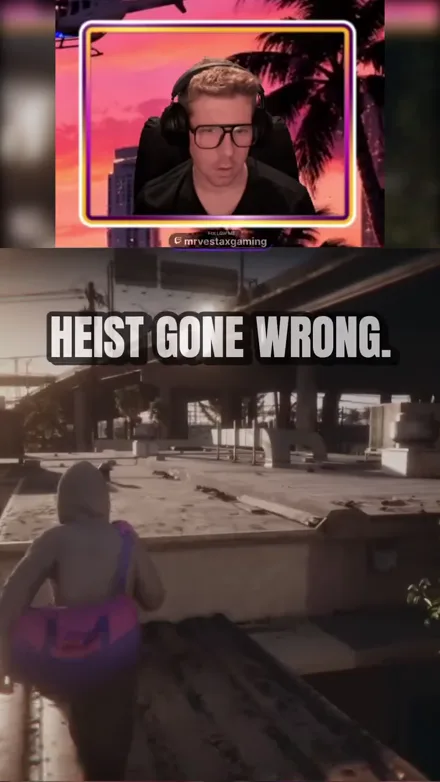
@mrvestaxgaming
robbing a place with no mask 🤡
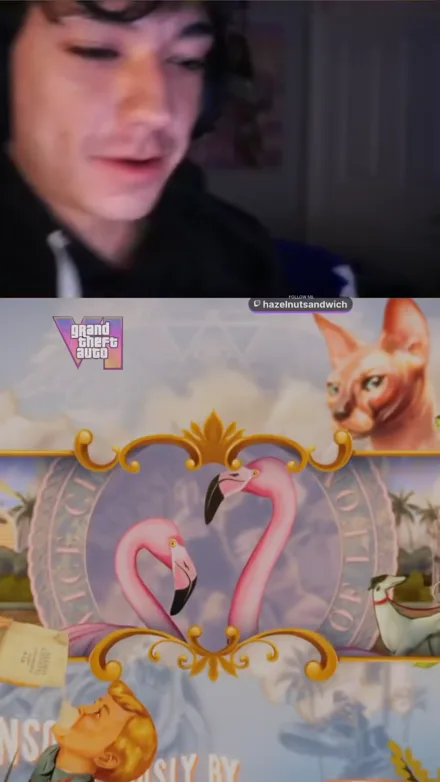
@hazelnutsandwich
Finally playing GTAVI
Original sound · hazelnutsandwich
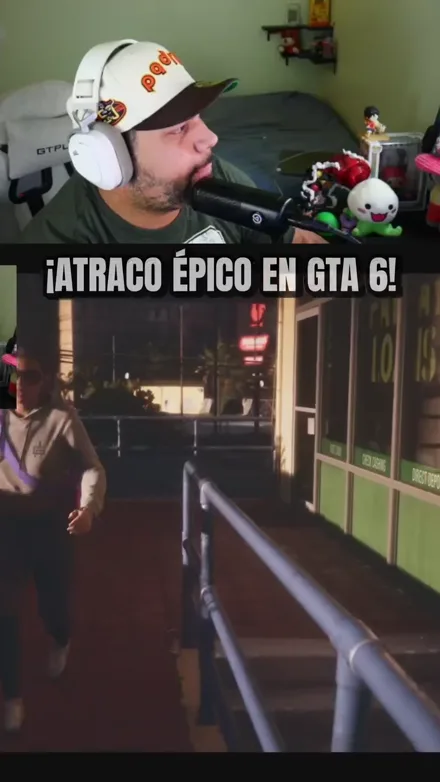
@onehandking
¡El atraco más intenso de GTA 6!
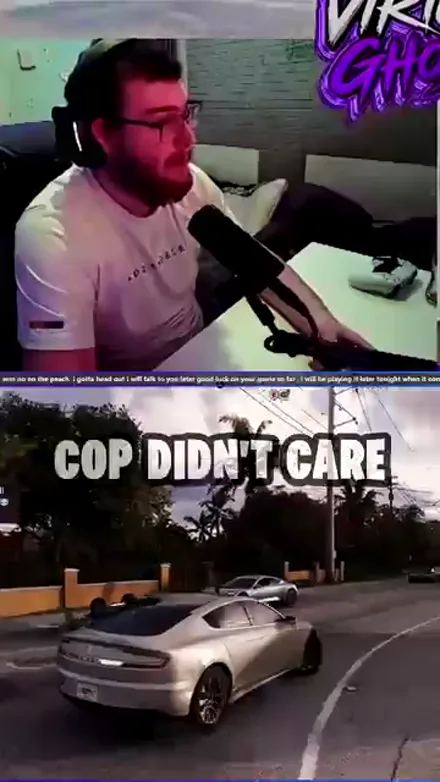
gta cops are built different 👮♂️
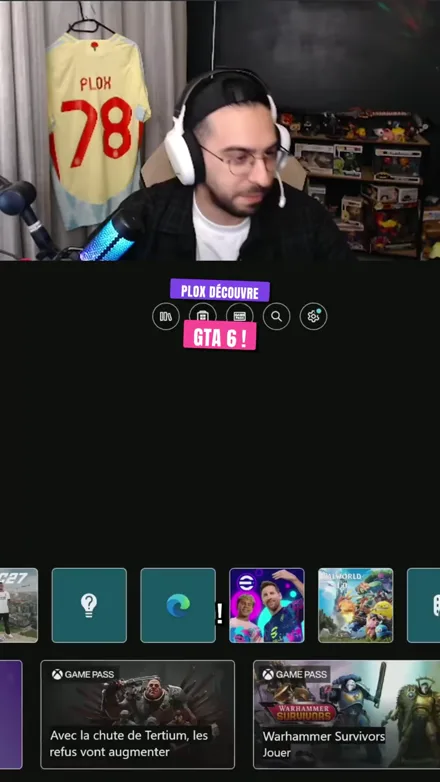
Plox
JE DECOUVRE GTA 6 EN LIVE
Original sound · Plox
ALGUIEN REACCIONÓ IGUAL? JAJAJA
@kickchileclips
¡Norwing descubre lo más loco de GTA 6! 🤯
Original sound · kickchileclips

@donkaaklijn
Toxische Minecraft liefde 😔
Original sound · donkaaklijn
@gamerdadtv
I Play League With A Trackball?!
@voidqueene
The quilboars are too aggressive, I pulled everything!
@abolishegirls
So that did not go as planned...

@kingkontent
GG, ik ben dood
Original sound · kingkontent
@daveynt
WHAT A GREAT GAME
@kekosix
EXPLOSIONS!!
@unluckyfelis
The strongest dragon in Minecraft?
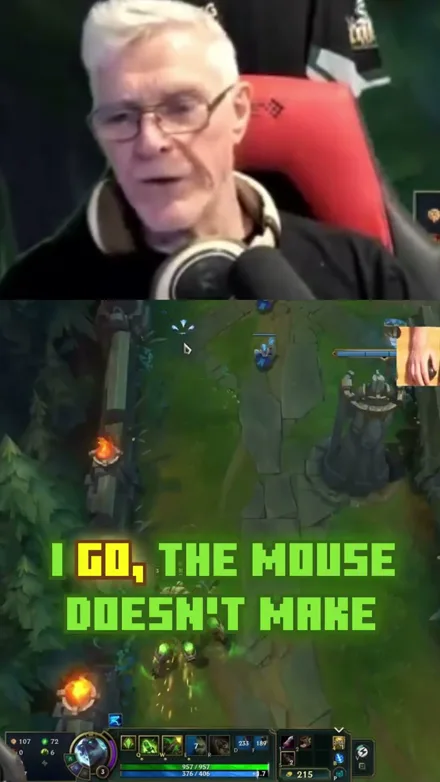
@gamerdadtv
Stop HATING on my mouse
Original sound · gamerdadtv
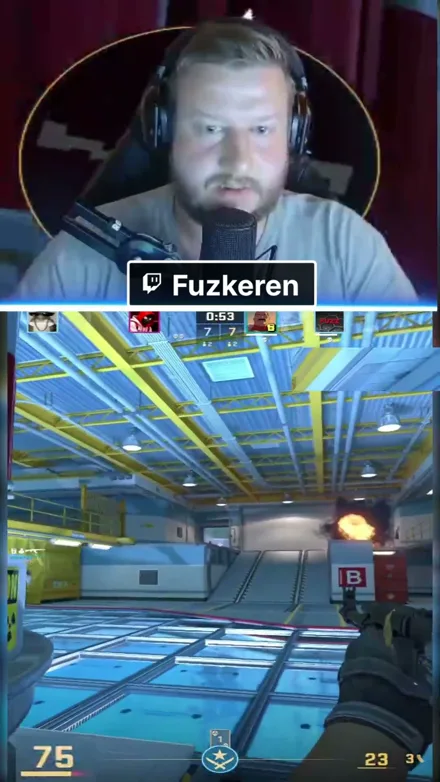
@fuzkeren
Easy 2v5 with Zakamusen
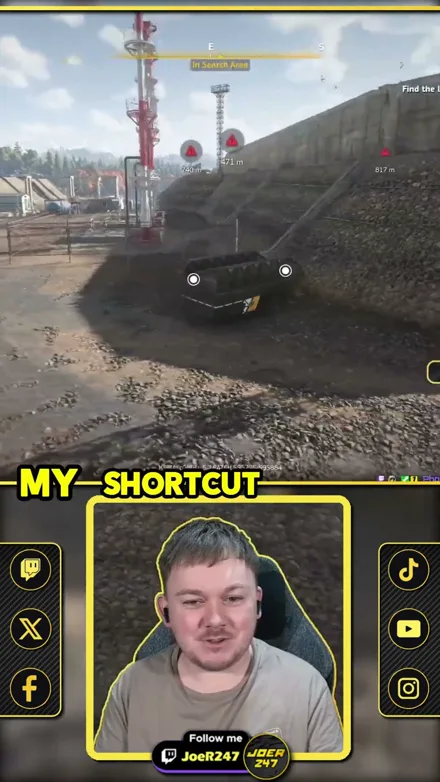
@joer247
RoadCraft Shortcut Disaster!
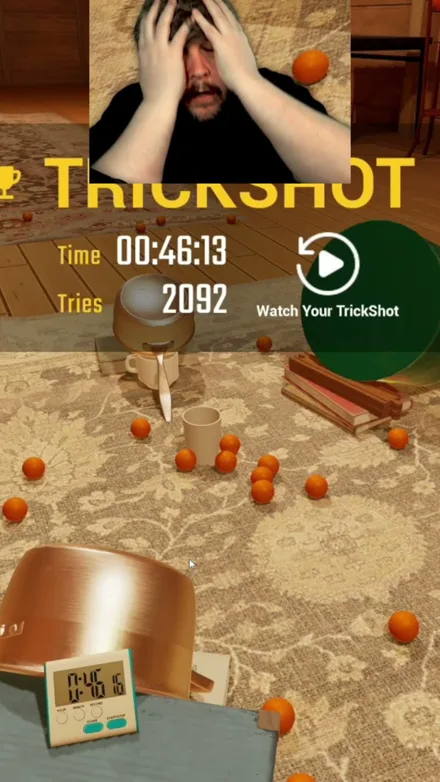
@brucecooper
Finally got the trickshot
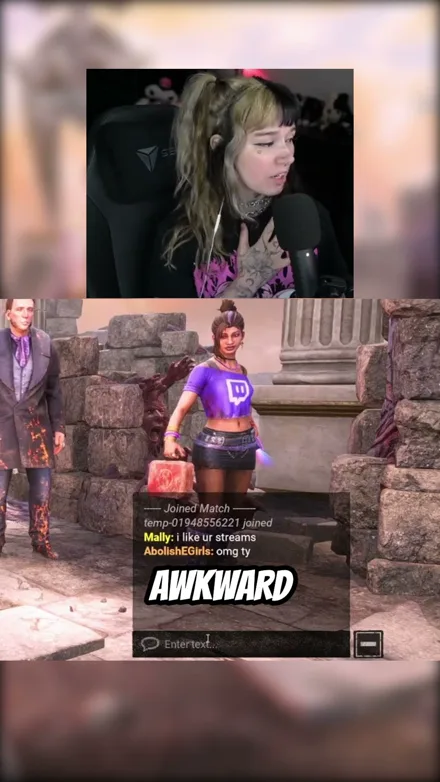
@abolishegirls
Watch me get humbled
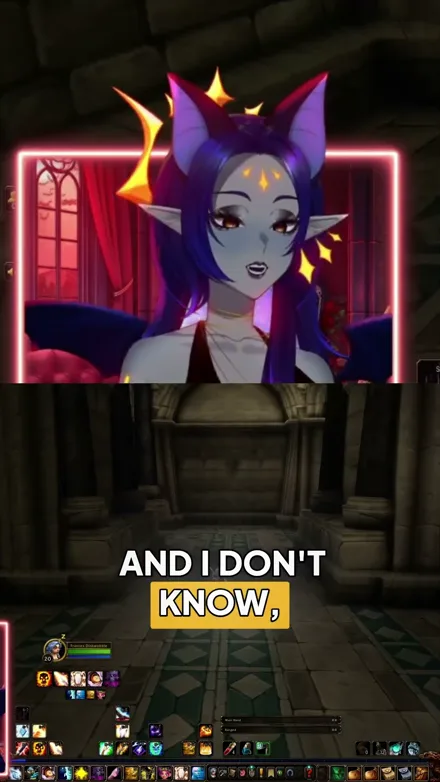
@voidqueene
Why must trolls have their grippers out?!
@mrvestaxgaming
robbing a place with no mask 🤡
@hazelnutsandwich
Finally playing GTAVI
Original sound · hazelnutsandwich
@onehandking
¡El atraco más intenso de GTA 6!
gta cops are built different 👮♂️
Plox
JE DECOUVRE GTA 6 EN LIVE
Original sound · Plox
ALGUIEN REACCIONÓ IGUAL? JAJAJA
@kickchileclips
¡Norwing descubre lo más loco de GTA 6! 🤯
Original sound · kickchileclips
@donkaaklijn
Toxische Minecraft liefde 😔
Original sound · donkaaklijn
@gamerdadtv
I Play League With A Trackball?!
@voidqueene
The quilboars are too aggressive, I pulled everything!
@abolishegirls
So that did not go as planned...
@kingkontent
GG, ik ben dood
Original sound · kingkontent
@daveynt
WHAT A GREAT GAME
@kekosix
EXPLOSIONS!!
@unluckyfelis
The strongest dragon in Minecraft?
@gamerdadtv
Stop HATING on my mouse
Original sound · gamerdadtv
@fuzkeren
Easy 2v5 with Zakamusen
@joer247
RoadCraft Shortcut Disaster!
@brucecooper
Finally got the trickshot
@abolishegirls
Watch me get humbled
@voidqueene
Why must trolls have their grippers out?!