Convierte cualquier clip de Twitch en un emote de canal
Pega la URL de un clip o sube un video, busca el fotograma perfecto y previsualízalo en el chat de Twitch antes de guardarlo. No necesitas Photoshop.
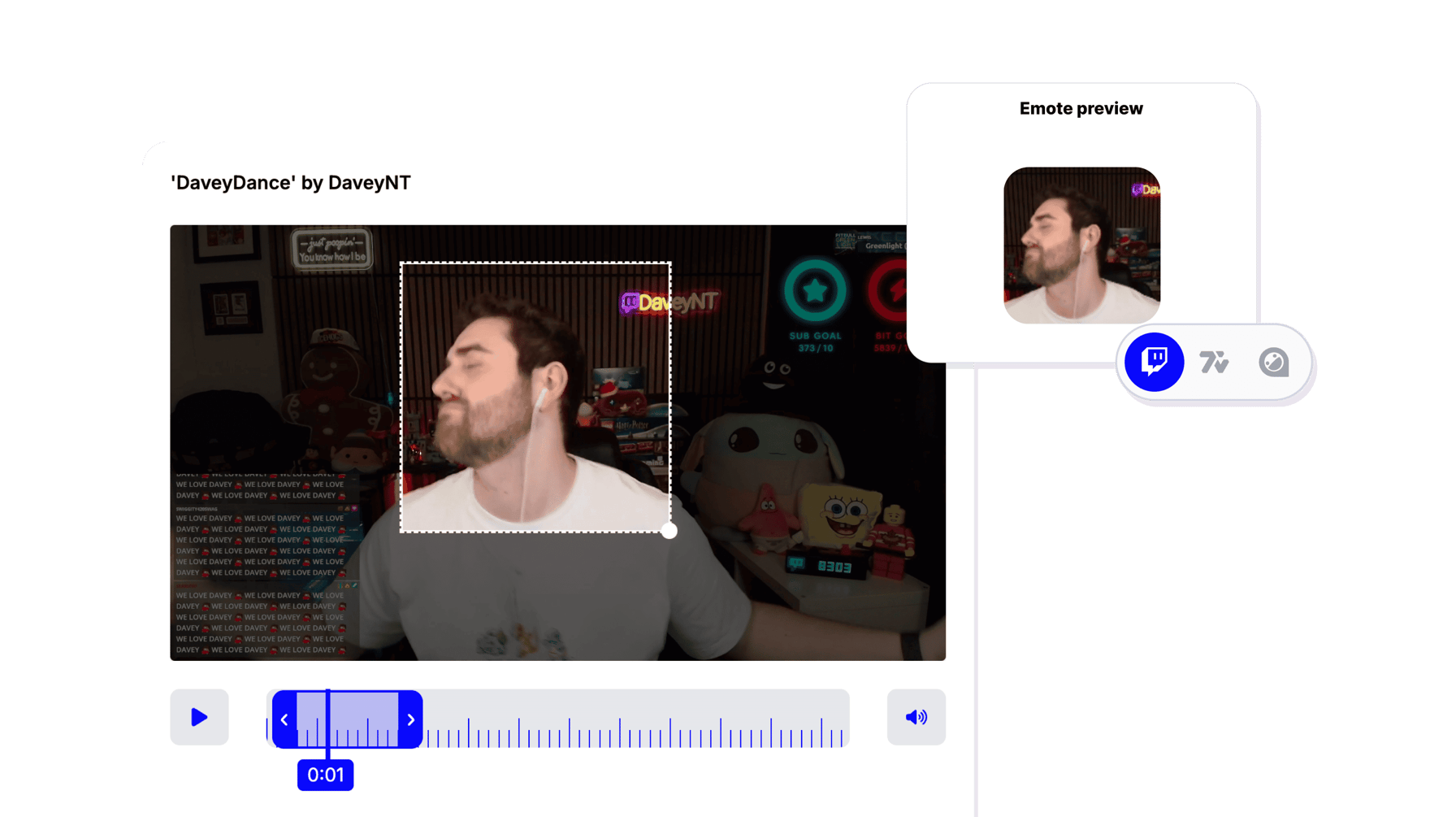
Crear Emote
Convierte tus mejores momentos de stream en emotes para el chat
Tus mejores momentos de stream merecen vivir como emotes. Pega la URL de un clip de Twitch o sube cualquier video, busca en el metraje y elige el fotograma exacto que capture la reacción, el chiste o la jugada que tu comunidad spameará en el chat.
Sin Photoshop. Sin dibujar. Sin capas. Solo tienes que encontrar el fotograma y StreamLadder lo convierte en un emote listo para subir. Expórtalo en todos los tamaños que requieren Twitch, 7TV y BTTV.
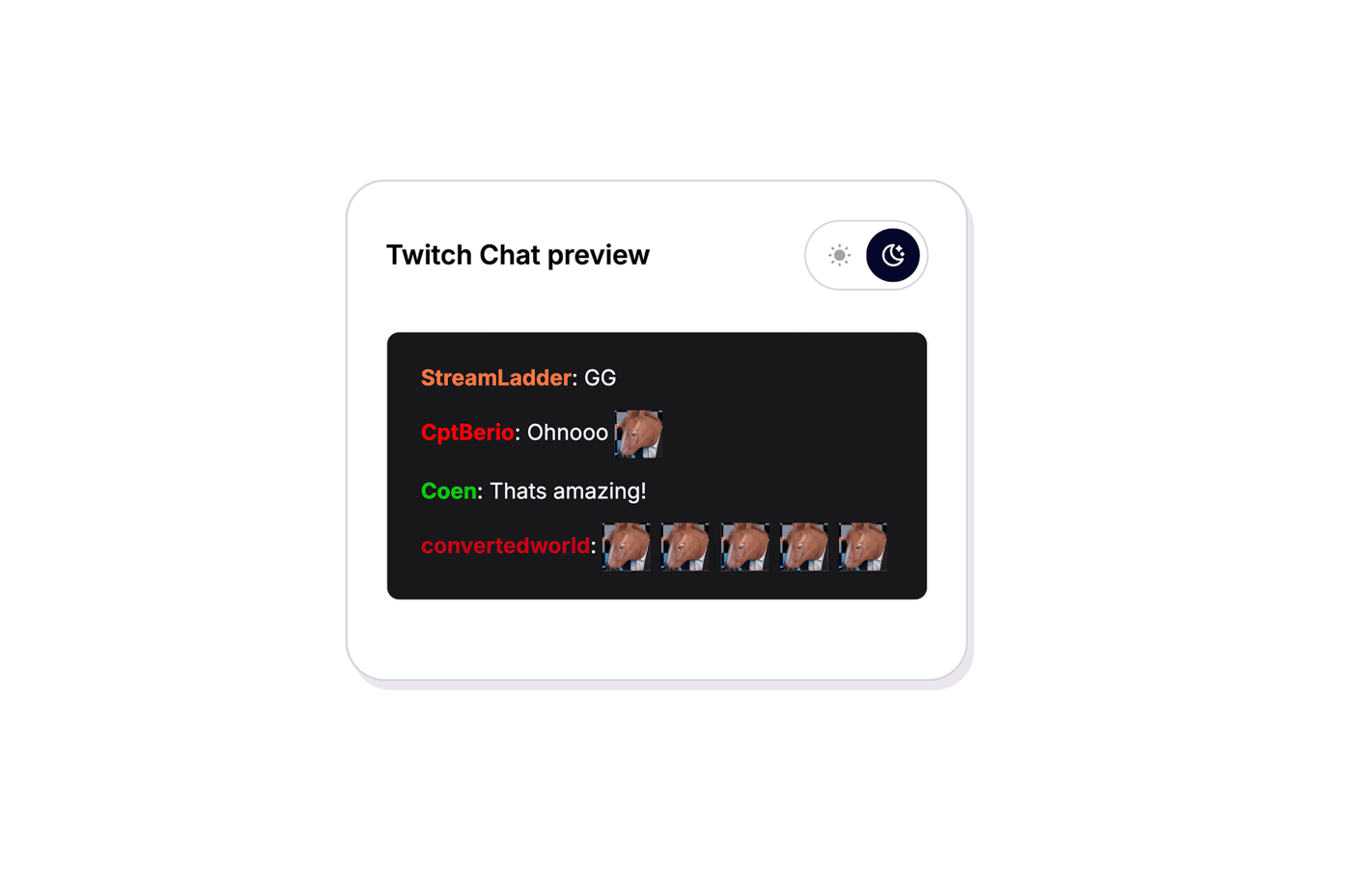
Previsualiza tu emote en una maqueta de chat de Twitch en vivo antes de guardarlo - tanto en modo claro como oscuro - para que sepas que se lee bien en el tamaño del chat. Sin sorpresas después de subirlo.
Una vez que tu emote esté listo, utilízalo como sticker en el Clip Editor para añadirlo a tus videoclips. Construye una biblioteca de emotes personalizados de tus momentos más divertidos y mantén a tu comunidad enganchada.
Crear Emote
Cómo funciona
Encuentra el fotograma, previsualiza en el chat, exporta.
01

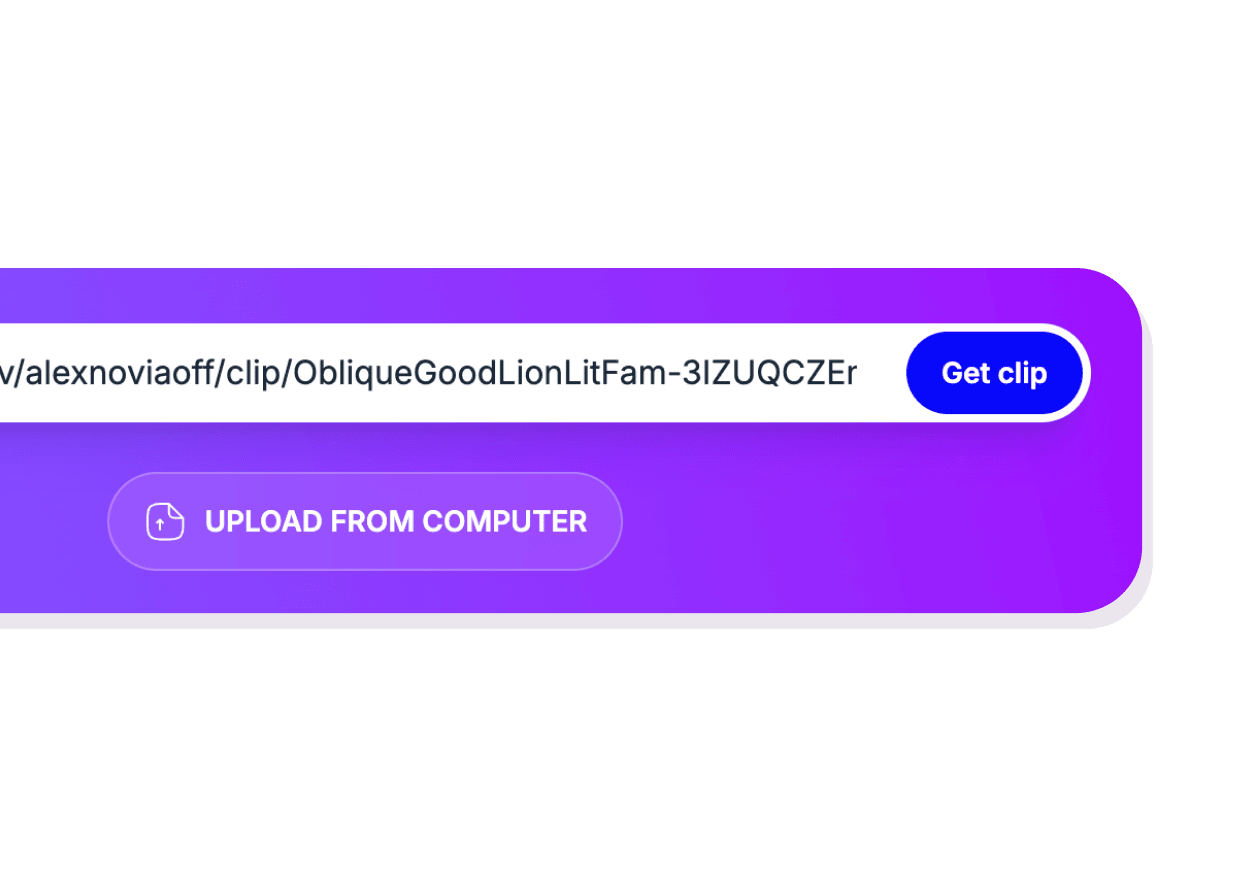
Añade tu clip
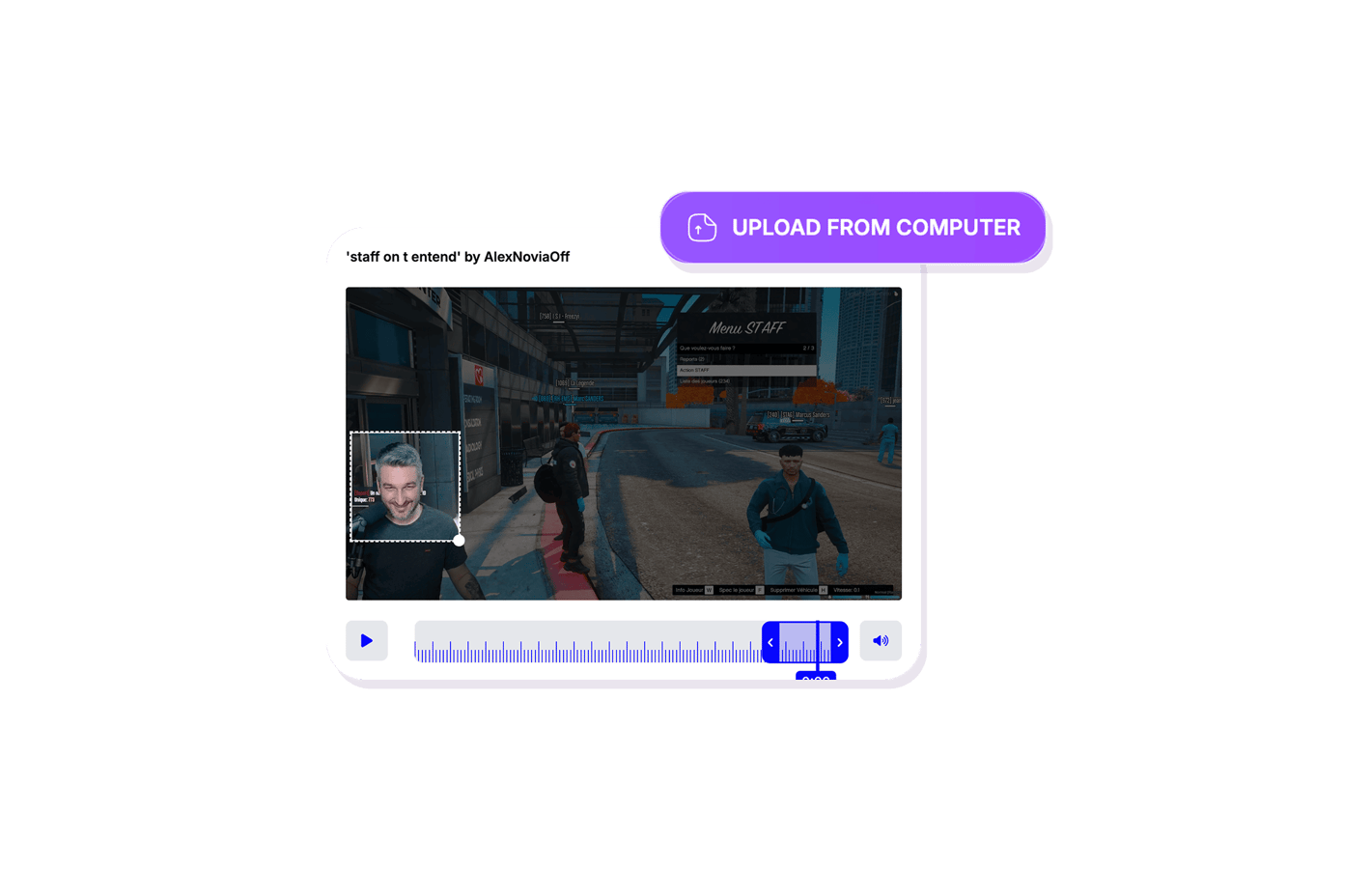
Pega la URL de un clip de Twitch o sube un archivo de video. El Emote Maker carga todo el metraje para que puedas explorar cada fotograma.
02
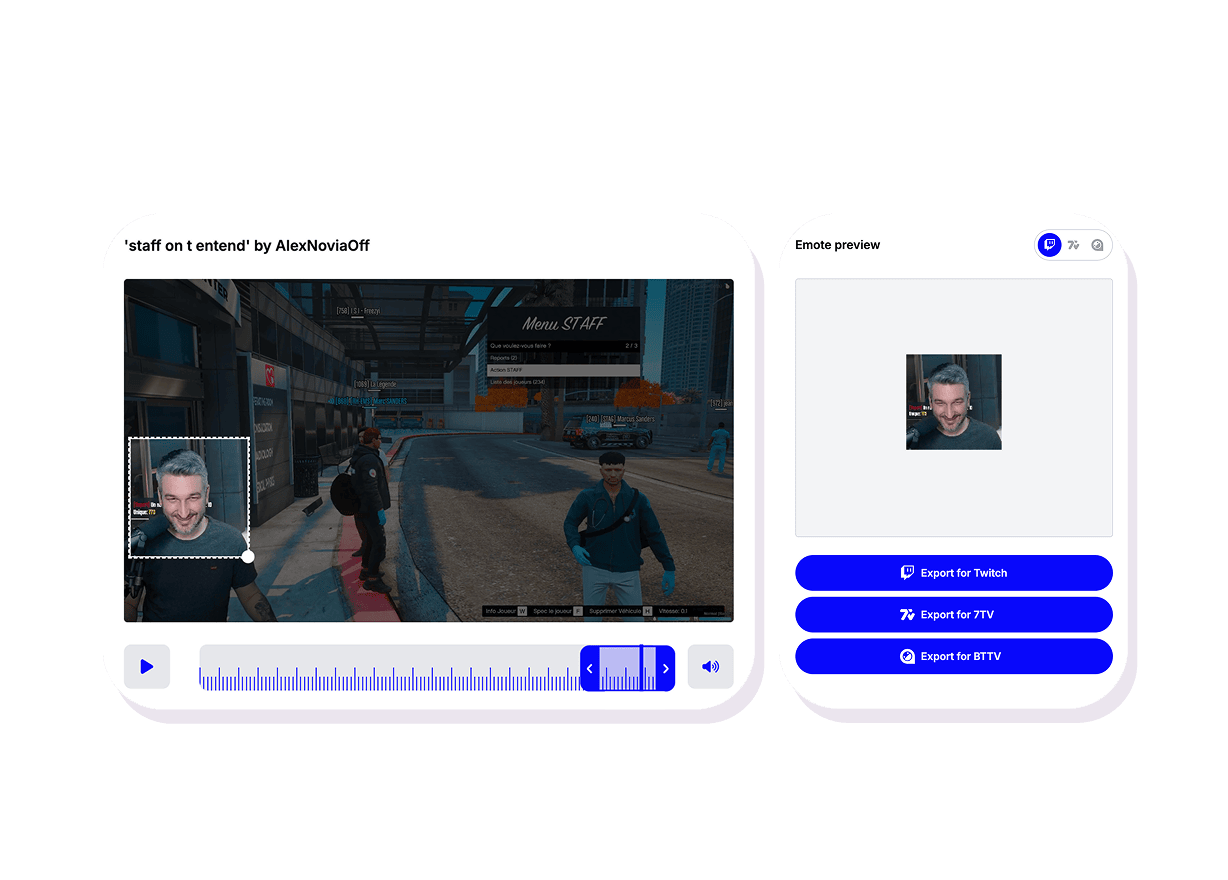
Busca el fotograma perfecto
Arrastra a través de la línea de tiempo para encontrar el momento exacto - una reacción divertida, una jugada clave, un chiste interno. Ese único fotograma se convierte en tu emote.
03
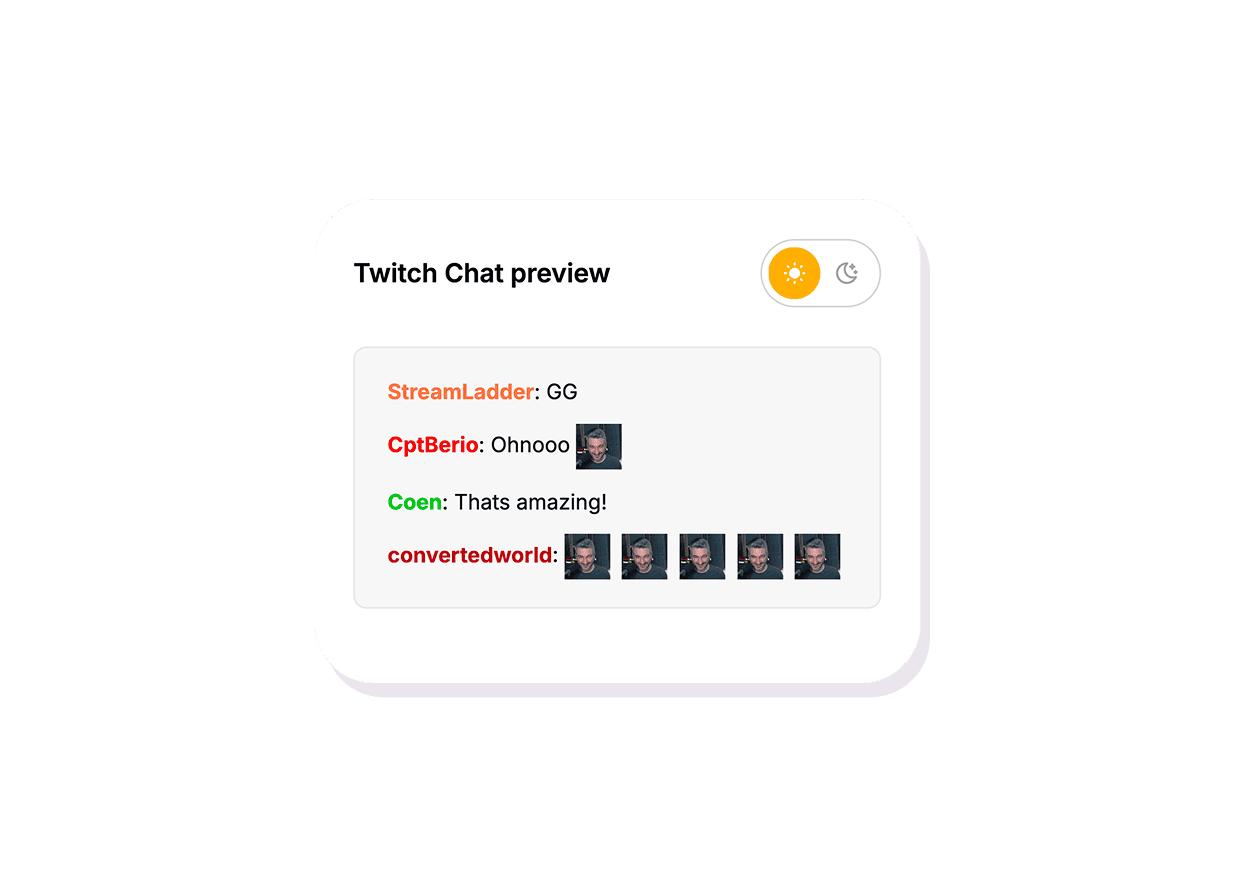
Previsualiza en el chat de Twitch
Mira cómo se ve el emote en el tamaño del chat en una maqueta de chat de Twitch en vivo. Cambia entre el modo claro y oscuro para asegurarte de que se lee bien en todas partes.
Emote Maker
Crea emotes para tu canal a partir de tus clips
Pega la URL de un clip o sube un video, busca el fotograma perfecto y previsualízalo en el chat de Twitch antes de guardarlo. No necesitas Photoshop.
No se requieren habilidades de diseño
Solo tienes que elegir un fotograma de tu clip. Sin Photoshop, sin dibujar, sin capas - StreamLadder se encarga del resto.
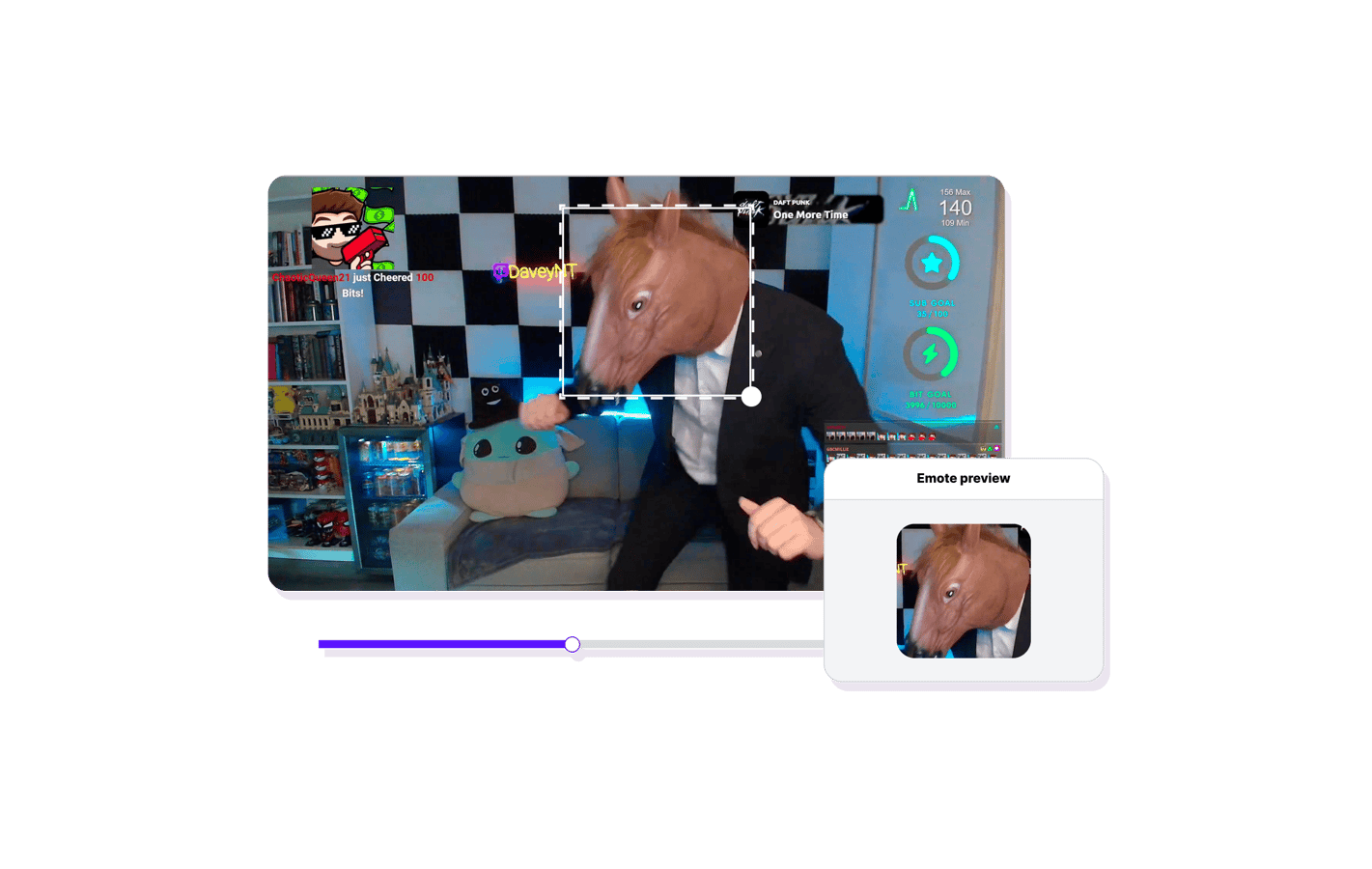
Previsualización en vivo en el chat de Twitch
Mira exactamente cómo se ve tu emote en el tamaño del chat en modo claro y oscuro antes de comprometerte.
Funciona con cualquier clip
Pega la URL de un clip de Twitch o sube un video desde tu dispositivo. Busca en cada fotograma para encontrar el perfecto.
Explora las funciones del Emote Maker
11 millones de clips creados por 1 millón de streamers
Clips reales creados por creadores reales que utilizan StreamLadder - con un total de más de cien millones de visualizaciones.
AhmetZone
Kai Standing Next To Basketball Players

@SomethingAboutChickens
Something About Chickens
Original sound · SomethingAboutChickens
AhmetZone
LIL BRO

@Stormwynne
EVIL DEER - Pumpkin Panic
Original sound · Stormwynne
JKPlays
guess my IQ

@Bobby Plays
COD Points the cheap way
Original sound · Bobby Plays
TheJuiceDen
xQc Reacts to LEGO Car VS. Growing Wall

Ubietoo
Greatest goal ever scored
Original sound · Ubietoo
TheJuiceDen
Divorce any% Speedrun

@Payzren
Mistaken for a voice actor
Original sound · Payzren
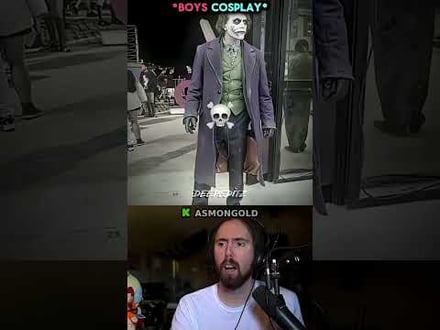
AsmonEnjoyer
Girls Cosplays VS Boys Cosplays

@Shaafes_
Hilarious Extraction Fail
Original sound · Shaafes_
AhmetZone
Kai Standing Next To Basketball Players
@SomethingAboutChickens
Something About Chickens
Original sound · SomethingAboutChickens
AhmetZone
LIL BRO
@Stormwynne
EVIL DEER - Pumpkin Panic
Original sound · Stormwynne
JKPlays
guess my IQ
@Bobby Plays
COD Points the cheap way
Original sound · Bobby Plays
TheJuiceDen
xQc Reacts to LEGO Car VS. Growing Wall
Ubietoo
Greatest goal ever scored
Original sound · Ubietoo
TheJuiceDen
Divorce any% Speedrun
@Payzren
Mistaken for a voice actor
Original sound · Payzren
AsmonEnjoyer
Girls Cosplays VS Boys Cosplays
@Shaafes_
Hilarious Extraction Fail
Original sound · Shaafes_
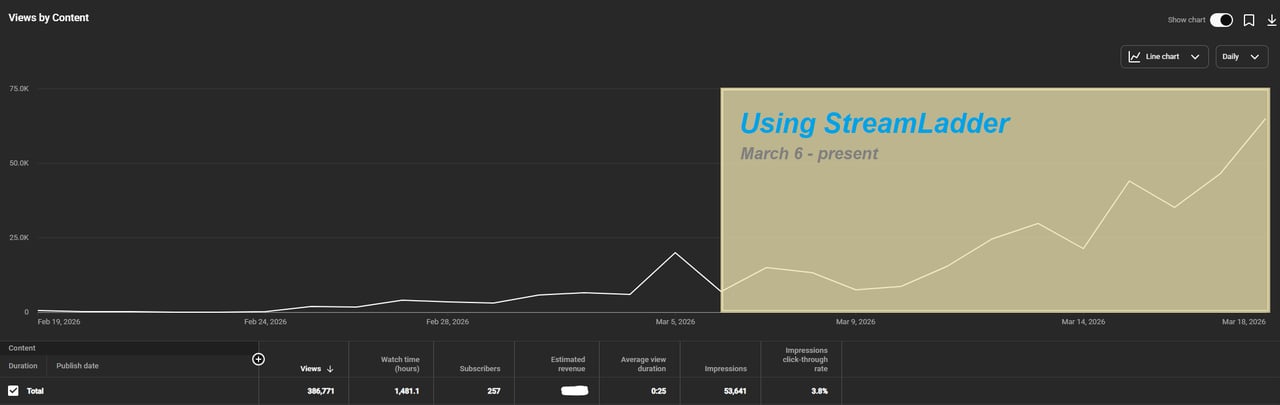
"StreamLadder's ClipGPT actually knows what clips will go viral. 48% of my sub growth from shorts was within just the last 2 weeks."


Dennabeast

RealMikeTheVike
https://youtube.com/@sidechopper
BIGEXAMPL

HistoryGangster
PunkRockNova
ItsJustFreshh
Bia Bunny

Christopher Dutcher
Crunchess
daizy
Damond Rickson
RiotEmpress
Nixie
KeithLovesGaming
daizy
kevin laderriere
Rulaxalt

Metaodos

Echozday
zerofaith/kick.com
ZBMBLive

https://www.twitch.tv/bsc_rio
twitch.tv/masterjoful
youtube.com/thestizzness
tiktok.com/@captainquain
DoubleNexus
https://www.twitch.tv/itzbuddytv
https://www.twitch.tv/dice_gaminggbr
Twitch.tv/daddymacgaming50474
www.twitch.tv/ishigonite

https://www.twitch.tv/gemstonelive
https://www.youtube.com/@MoonieRuns
twitch.tv/teafawn
https://www.twitch.tv/expbee
Fluffyman001
NiccoSilverado
LOLjustplayin
Twitch - Fluffyman001

twitch.tv/kodakodeinemyg
https://www.youtube.com/@Bunana_ch
twitch.tv/BluesTheCreator

Blackbeardbrian
Keko SIx

Popsgamer08
https://www.tiktok.com/@itsblazeys
kissblvke
Dennabeast
RealMikeTheVike
https://youtube.com/@sidechopper
BIGEXAMPL
HistoryGangster
PunkRockNova
ItsJustFreshh
Bia Bunny
Christopher Dutcher
Crunchess
daizy
Damond Rickson
RiotEmpress
Nixie
KeithLovesGaming
daizy
kevin laderriere
Rulaxalt
Metaodos
Echozday
zerofaith/kick.com
ZBMBLive
https://www.twitch.tv/bsc_rio
twitch.tv/masterjoful
youtube.com/thestizzness
tiktok.com/@captainquain
DoubleNexus
https://www.twitch.tv/itzbuddytv
https://www.twitch.tv/dice_gaminggbr
Twitch.tv/daddymacgaming50474
www.twitch.tv/ishigonite
https://www.twitch.tv/gemstonelive
https://www.youtube.com/@MoonieRuns
twitch.tv/teafawn
https://www.twitch.tv/expbee
Fluffyman001
NiccoSilverado
LOLjustplayin
Twitch - Fluffyman001
twitch.tv/kodakodeinemyg
https://www.youtube.com/@Bunana_ch
twitch.tv/BluesTheCreator
Blackbeardbrian
Keko SIx
Popsgamer08
https://www.tiktok.com/@itsblazeys
kissblvke
FAQ
Preguntas frecuentes
Cualquier URL de clip de Twitch o archivo de video subido. La herramienta carga el metraje y te permite buscar en cada fotograma para encontrar el que quieres.
Sí - hay una previsualización integrada del chat de Twitch tanto en modo claro como oscuro para que puedas ver exactamente cómo se ve el emote en el tamaño del chat antes de exportarlo.
No. Solo tienes que elegir un fotograma de tu clip. No hay que dibujar, ni usar capas, ni Photoshop.
Sí - puedes subir cualquier archivo de video desde tu dispositivo. Funciona de la misma manera: busca en el metraje y elige un fotograma.