Live streaming is one of the most powerful ways to build an audience-but the real growth often happens after the stream ends. Short-form clips on TikTok, YouTube Shorts, and Instagram Reels are what keep your content discoverable. The problem? Manually finding highlights and editing clips can take hours. That's where automatic stream clipping comes in.
Why Stream Clips Matter More Than Ever
Long streams are great for engagement, but most people won't sit through a two-hour VOD. Short clips, on the other hand, are easy to consume, highly shareable, and favored by social media algorithms. A single viral clip can outperform an entire livestream in terms of reach.
The challenge is consistency. If creating clips feels like a chore, it's easy to fall behind. Automation solves this by turning your streams into a steady flow of content-without extra workload.
How Automatic Stream Clipping Works
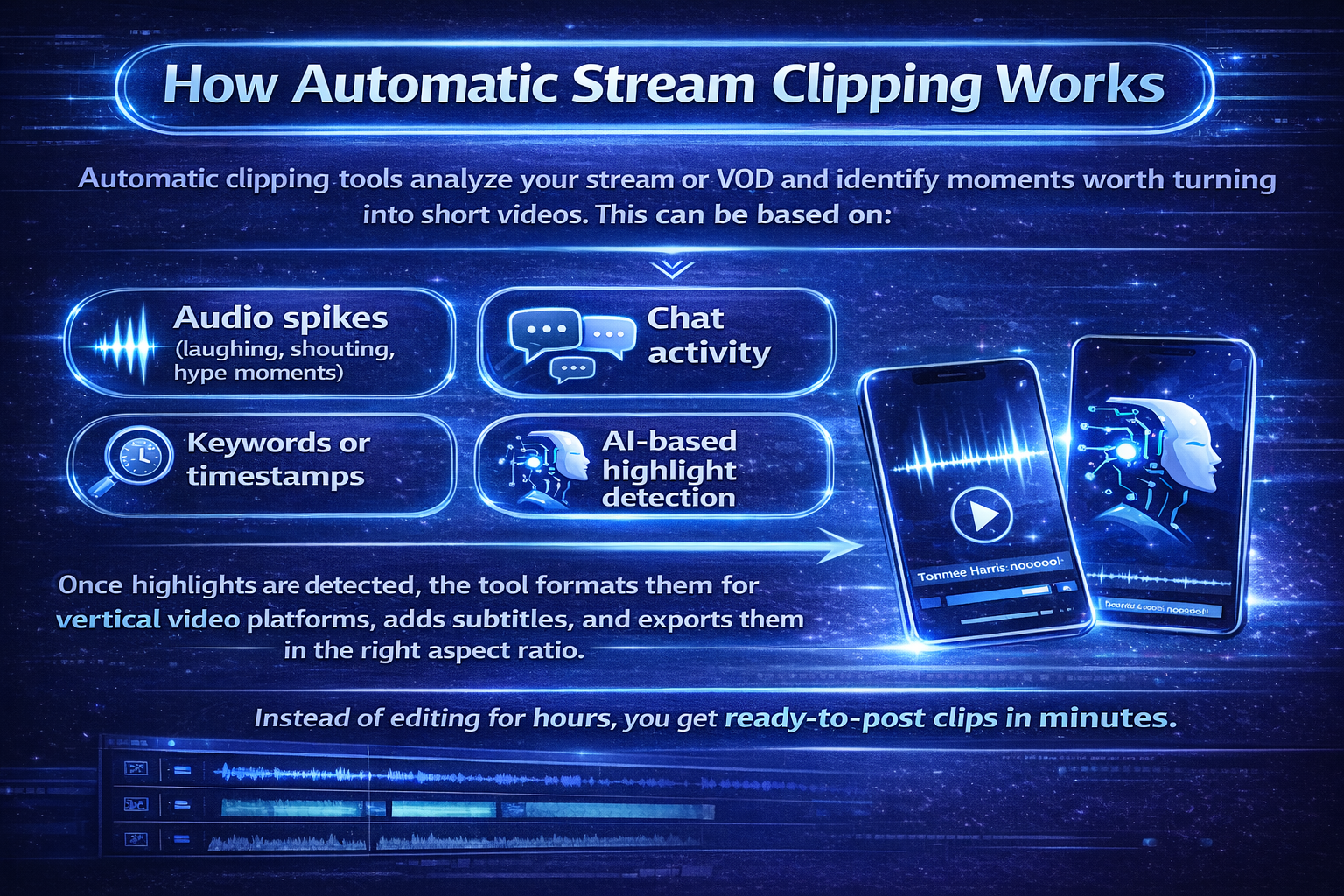
Automatic clipping tools analyze your stream or VOD and identify moments worth turning into short videos. This can be based on:
- Audio spikes (laughing, shouting, hype moments)
- Chat activity
- Keywords or timestamps
- AI-based highlight detection
Once highlights are detected, the tool formats them for vertical video platforms, adds subtitles, and exports them in the right aspect ratio. Instead of editing for hours, you get ready-to-post clips in minutes.
One tool to safe you a lot of time: StreamLadder
StreamLadder is designed specifically for streamers and content creators who want to repurpose their content efficiently. It takes your Twitch or YouTube streams and helps you transform them into vertical clips optimized for short-form platforms.
What makes StreamLadder stand out is its simplicity. You don't need advanced editing skills or expensive software. You can:
- Import your stream or VOD
- Automatically generate vertical clips
- Add clean, readable subtitles
- Customize layouts for TikTok, Shorts, and Reels
Because everything is optimized for social platforms, your clips look professional without feeling overproduced.
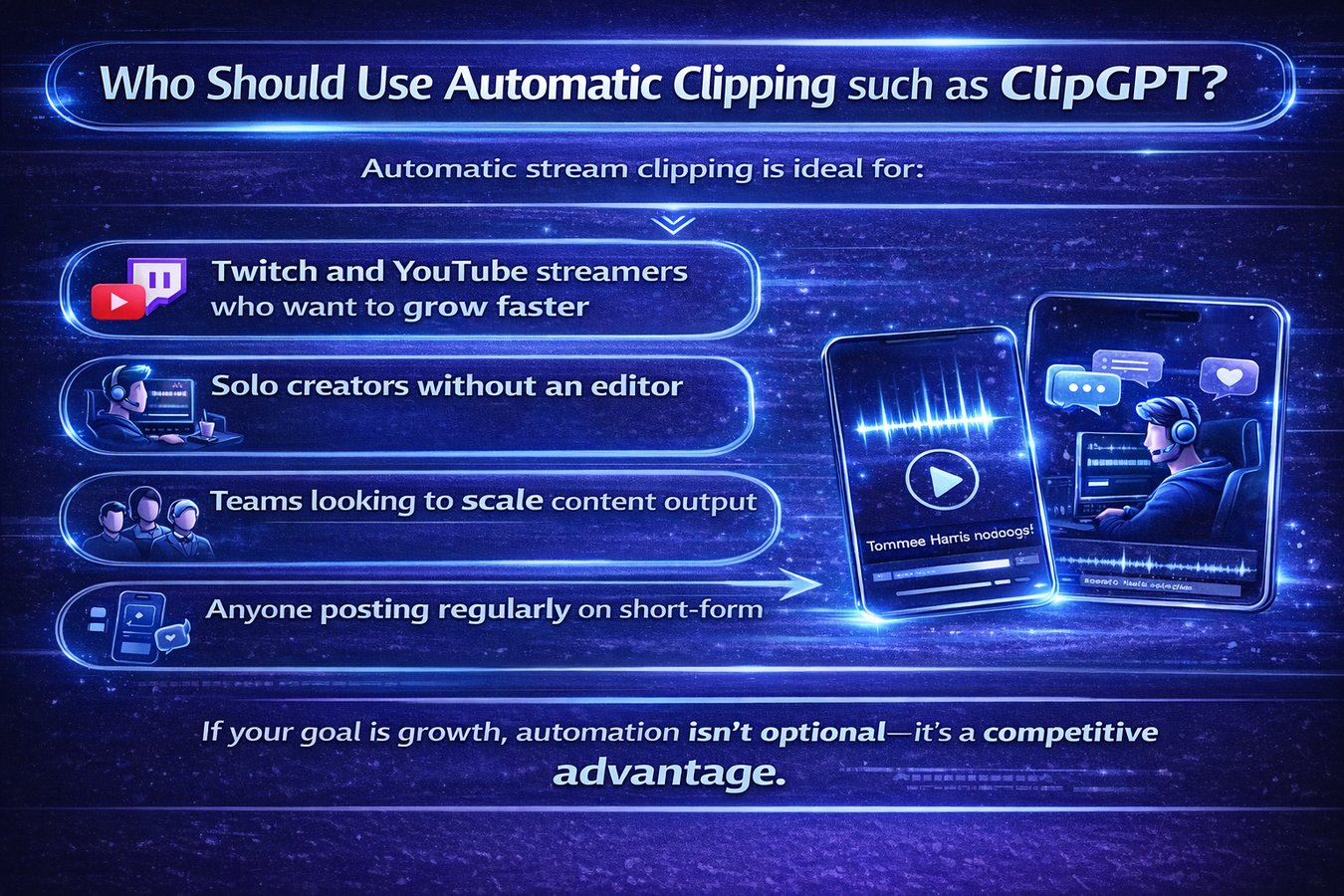
Who Should Use Automatic Clipping such as ClipGPT?
Automatic stream clipping is ideal for:
- Twitch and YouTube streamers who want to grow faster
- Solo creators without an editor
- Teams looking to scale content output
- Anyone posting regularly on short-form platforms
If your goal is growth, automation isn't optional-it's a competitive advantage.
Final Thoughts
Creating clips from streams doesn't have to be time-consuming. With the right tools, your livestreams can fuel your entire content strategy. Instead of choosing between streaming and posting on social media, you can do both-efficiently.
If you're serious about turning streams into growth, tools like StreamLadder make automatic clip creation not just possible, but easy.