The best Captions.ai alternative for captioning stream clips
Captions.ai does excellent work on auto-captions and short-form video polish. StreamLadder handles that too - plus it finds the clips from your full stream, applies gaming overlays, and publishes to social. Captions are one feature inside a complete workflow.
StreamLadder vs Captions.ai
Captions.ai does excellent work on auto-captions and short-form video polish. StreamLadder handles that too - plus it finds the clips from your full stream, applies gaming overlays, and publishes to social. Captions are one feature inside a complete workflow.
StreamLadder is built for streamers who want to grow on short-form platforms. Use ClipGPT to find your best clips with AI, then Clip Editor to edit and crop clips to vertical. When your clips are ready, Content Publisher lets you schedule clips to TikTok, Reels, and Shorts - all from one dashboard.
Need to grab clips first? The Clip Downloader lets you download Twitch, YouTube, and Kick clips in seconds - completely free, no account needed.
StreamLadder works with Twitch, Kick, and YouTube as source platforms. Export to TikTok, Instagram Reels, and YouTube Shorts - basic editing is completely free, unlimited, and without watermarks. Watermarks are only added when you use premium features.
Feature comparison
The comparison
Why streamers choose StreamLadder over Captions.ai
Captions are included, not the whole product
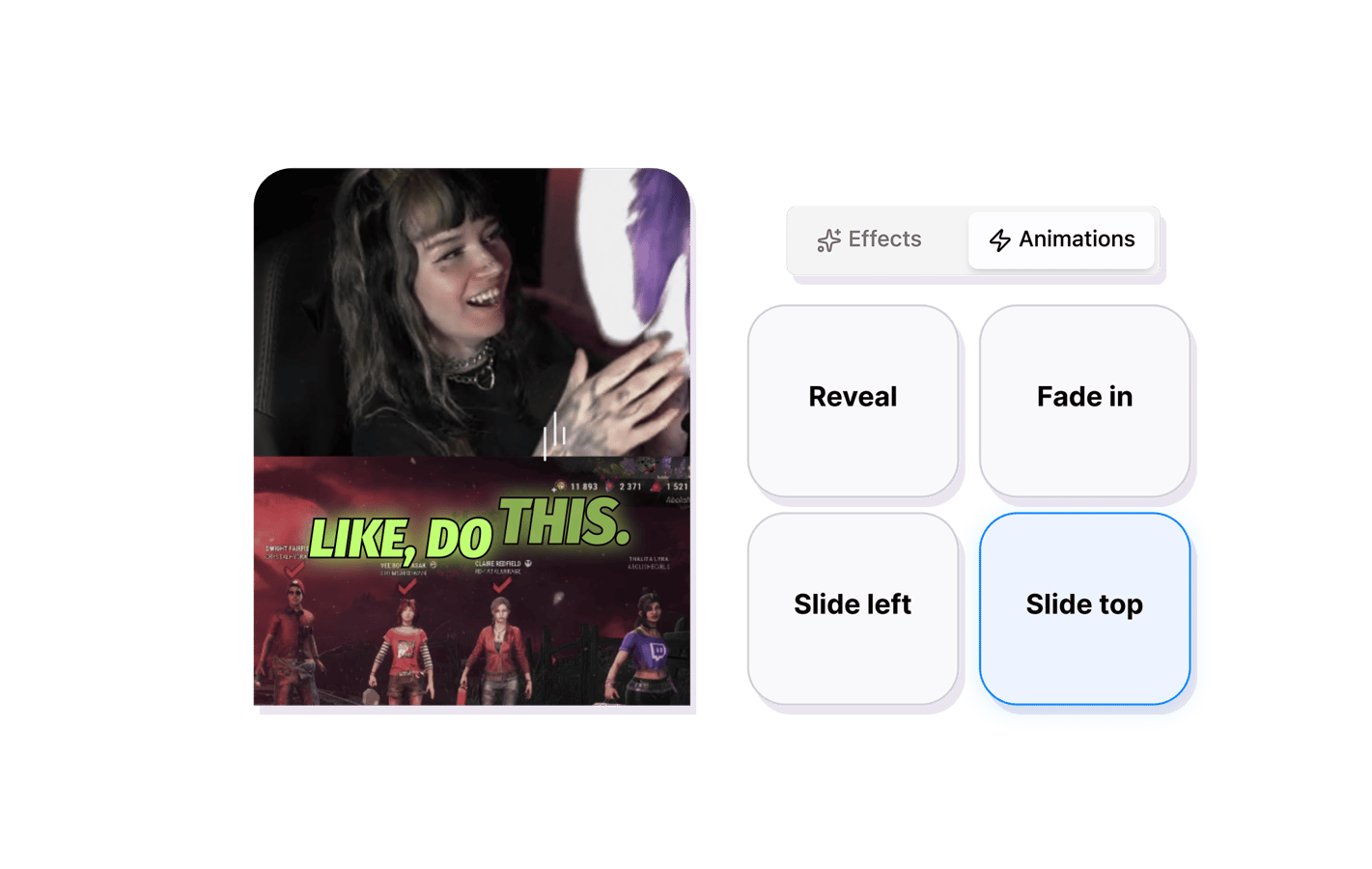
Captions.ai is built around auto-captions as the core product. StreamLadder includes the same animated, word-highlighted captions as part of a bigger workflow: clip detection, editing, overlays, and publishing.
Stream-to-post without uploading files
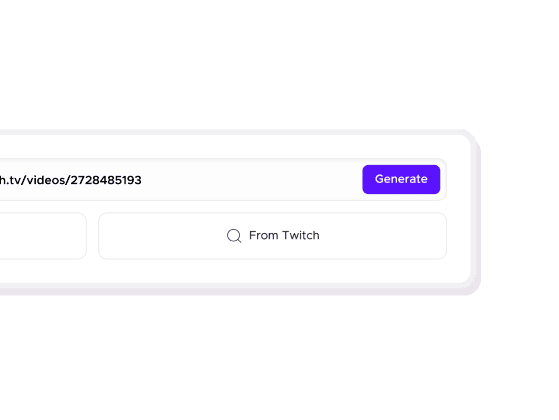
Captions.ai requires uploading a clip. StreamLadder goes directly to your Twitch or Kick VOD, finds the best moments, and starts the editing flow - no downloading, no uploading.
Gaming templates Captions.ai does not have
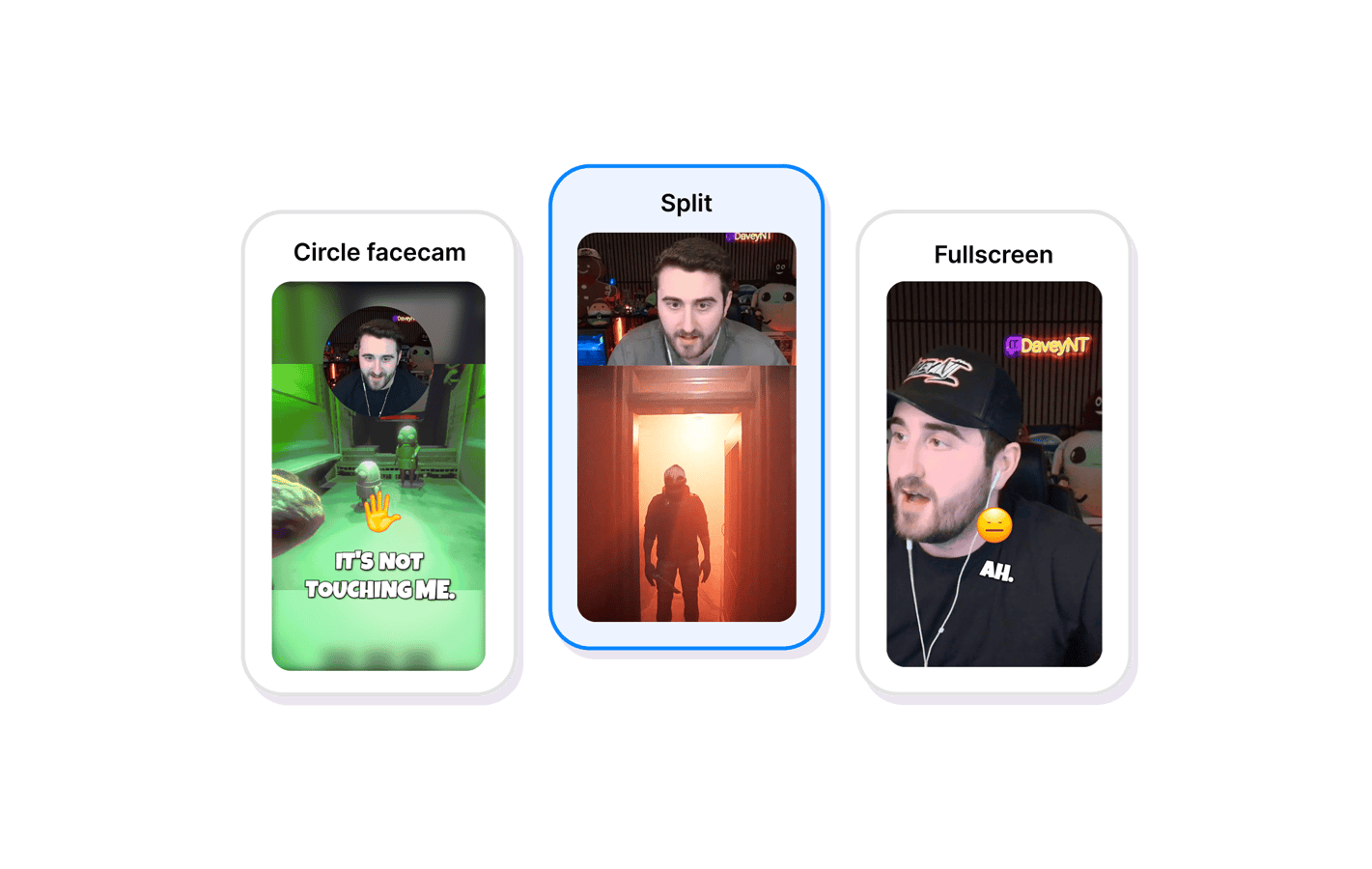
Captions.ai focuses on face-cam and talking-head content. StreamLadder has game-specific layouts, HUD overlays, chat popups, and animated text styles designed for gaming clips.
FAQ
Frequently asked questions
StreamLadder generates accurate word-level captions with animated highlighting. Captions.ai has more caption styling options and features like eye contact correction for face-cam content. If captions are your absolute priority, Captions.ai is deeper. If you need captions plus clip detection, editing, and publishing, StreamLadder covers the full job.
Some creators export clips from StreamLadder and apply Captions.ai on top. That adds an extra step - StreamLadder captions are good enough for most streaming content without requiring another tool.
Captions.ai works well for commentary and face-cam segments. It does not have gaming overlays or layouts built for game capture content. StreamLadder has both.
11 million clips made by 1 million streamers
Real clips made by real creators using StreamLadder - totalling over a hundred million views.
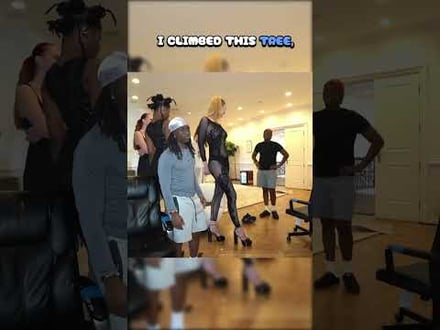
AhmetZone
Kai Standing Next To Basketball Players

@SomethingAboutChickens
Something About Chickens
Original sound · SomethingAboutChickens
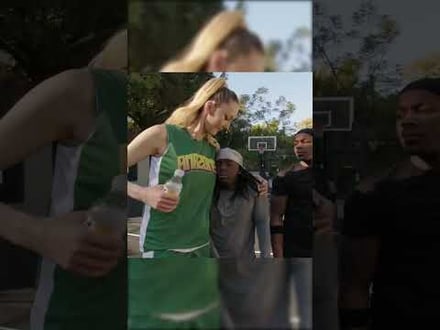
AhmetZone
LIL BRO

@Stormwynne
EVIL DEER - Pumpkin Panic
Original sound · Stormwynne
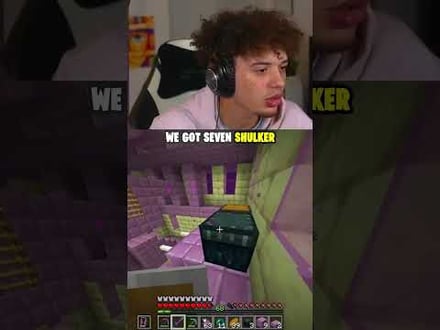
JKPlays
guess my IQ

@Bobby Plays
COD Points the cheap way
Original sound · Bobby Plays
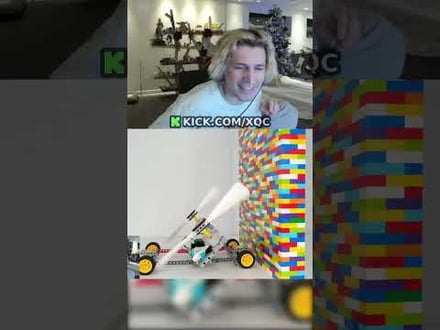
TheJuiceDen
xQc Reacts to LEGO Car VS. Growing Wall

Ubietoo
Greatest goal ever scored
Original sound · Ubietoo
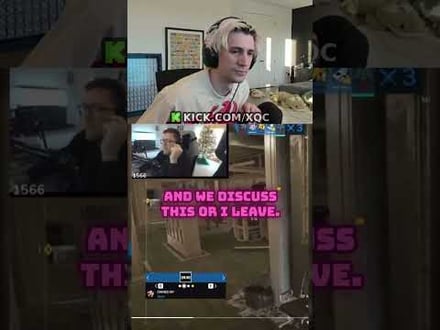
TheJuiceDen
Divorce any% Speedrun

@Payzren
Mistaken for a voice actor
Original sound · Payzren
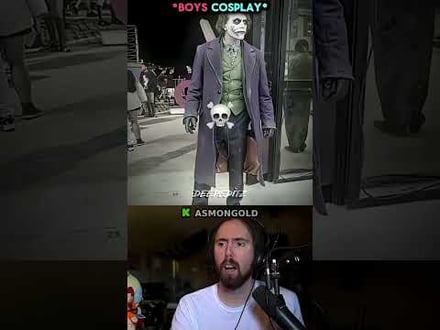
AsmonEnjoyer
Girls Cosplays VS Boys Cosplays

@Shaafes_
Hilarious Extraction Fail
Original sound · Shaafes_
AhmetZone
Kai Standing Next To Basketball Players
@SomethingAboutChickens
Something About Chickens
Original sound · SomethingAboutChickens
AhmetZone
LIL BRO
@Stormwynne
EVIL DEER - Pumpkin Panic
Original sound · Stormwynne
JKPlays
guess my IQ
@Bobby Plays
COD Points the cheap way
Original sound · Bobby Plays
TheJuiceDen
xQc Reacts to LEGO Car VS. Growing Wall
Ubietoo
Greatest goal ever scored
Original sound · Ubietoo
TheJuiceDen
Divorce any% Speedrun
@Payzren
Mistaken for a voice actor
Original sound · Payzren
AsmonEnjoyer
Girls Cosplays VS Boys Cosplays
@Shaafes_
Hilarious Extraction Fail
Original sound · Shaafes_
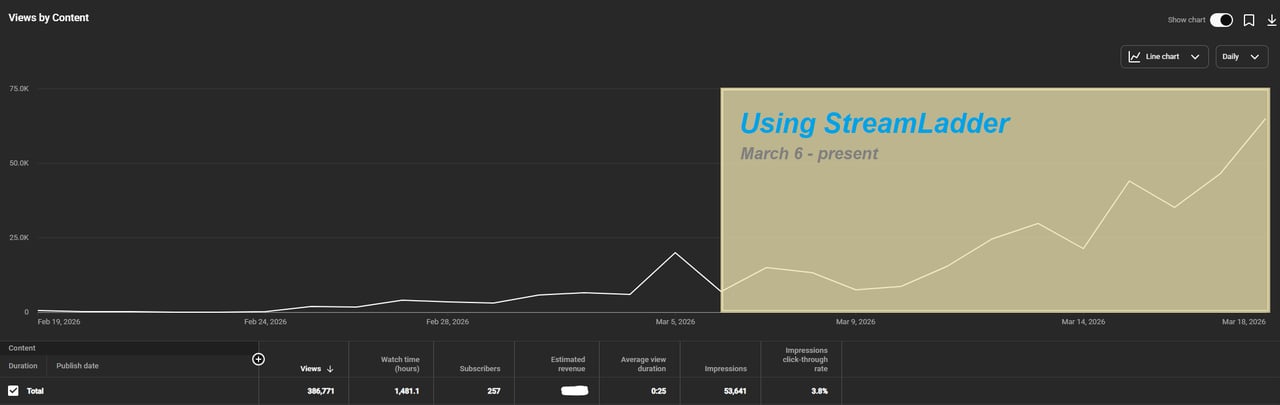
"StreamLadder's ClipGPT actually knows what clips will go viral. 48% of my sub growth from shorts was within just the last 2 weeks."


Dennabeast

RealMikeTheVike
https://youtube.com/@sidechopper
BIGEXAMPL

HistoryGangster
PunkRockNova
ItsJustFreshh
Bia Bunny

Christopher Dutcher
Crunchess
daizy
Damond Rickson
RiotEmpress
Nixie

KeithLovesGaming
daizy
kevin laderriere
Rulaxalt

Metaodos
Echozday
zerofaith/kick.com
ZBMBLive
https://www.twitch.tv/bsc_rio
twitch.tv/masterjoful
youtube.com/thestizzness
tiktok.com/@captainquain
DoubleNexus
https://www.twitch.tv/itzbuddytv
https://www.twitch.tv/dice_gaminggbr
Twitch.tv/daddymacgaming50474
www.twitch.tv/ishigonite

https://www.twitch.tv/gemstonelive
https://www.youtube.com/@MoonieRuns
twitch.tv/teafawn
https://www.twitch.tv/expbee
Fluffyman001
NiccoSilverado
LOLjustplayin
Twitch - Fluffyman001
twitch.tv/kodakodeinemyg
https://www.youtube.com/@Bunana_ch
twitch.tv/BluesTheCreator
Blackbeardbrian
Keko SIx

Popsgamer08
https://www.tiktok.com/@itsblazeys
kissblvke
Dennabeast
RealMikeTheVike
https://youtube.com/@sidechopper
BIGEXAMPL
HistoryGangster
PunkRockNova
ItsJustFreshh
Bia Bunny
Christopher Dutcher
Crunchess
daizy
Damond Rickson
RiotEmpress
Nixie
KeithLovesGaming
daizy
kevin laderriere
Rulaxalt
Metaodos
Echozday
zerofaith/kick.com
ZBMBLive
https://www.twitch.tv/bsc_rio
twitch.tv/masterjoful
youtube.com/thestizzness
tiktok.com/@captainquain
DoubleNexus
https://www.twitch.tv/itzbuddytv
https://www.twitch.tv/dice_gaminggbr
Twitch.tv/daddymacgaming50474
www.twitch.tv/ishigonite
https://www.twitch.tv/gemstonelive
https://www.youtube.com/@MoonieRuns
twitch.tv/teafawn
https://www.twitch.tv/expbee
Fluffyman001
NiccoSilverado
LOLjustplayin
Twitch - Fluffyman001
twitch.tv/kodakodeinemyg
https://www.youtube.com/@Bunana_ch
twitch.tv/BluesTheCreator
Blackbeardbrian
Keko SIx
Popsgamer08
https://www.tiktok.com/@itsblazeys
kissblvke