Generate scroll-stopping hook titles for your clips
AI analyzes your clip and generates hook titles that make viewers stop scrolling. Add animated title cards to the start of any clip.
Hook Intro Title
The first second decides whether someone watches or scrolls
A strong hook title at the start of your clip creates curiosity and gives viewers a reason to stay. StreamLadder's Clip Editor uses AI to analyze your clip and generate hook titles tailored to the content.
The AI looks at the audio, visuals, and energy of your clip to suggest 3-5 title options ranked by engagement potential. Pick your favorite, customize the wording, and choose an animated title card style. The hook drops in at the start of your clip - ready to grab attention on any platform.
Great hooks create a gap between what the viewer knows and what they want to find out. "This should not have worked..." or "Watch what happens at the 10-second mark" - these kinds of titles keep people watching. The AI generates options in this style so you don't have to think of them yourself.
Pair your hook title with captions so the text reinforces the audio. Add zoom effects at the payoff moment, and use silence removal to keep the pacing tight. Publish to every platform with the Content Publisher.
AI Hook Intro Title
How AI Hook Titles work
AI picks the hook. You pick the style.
01

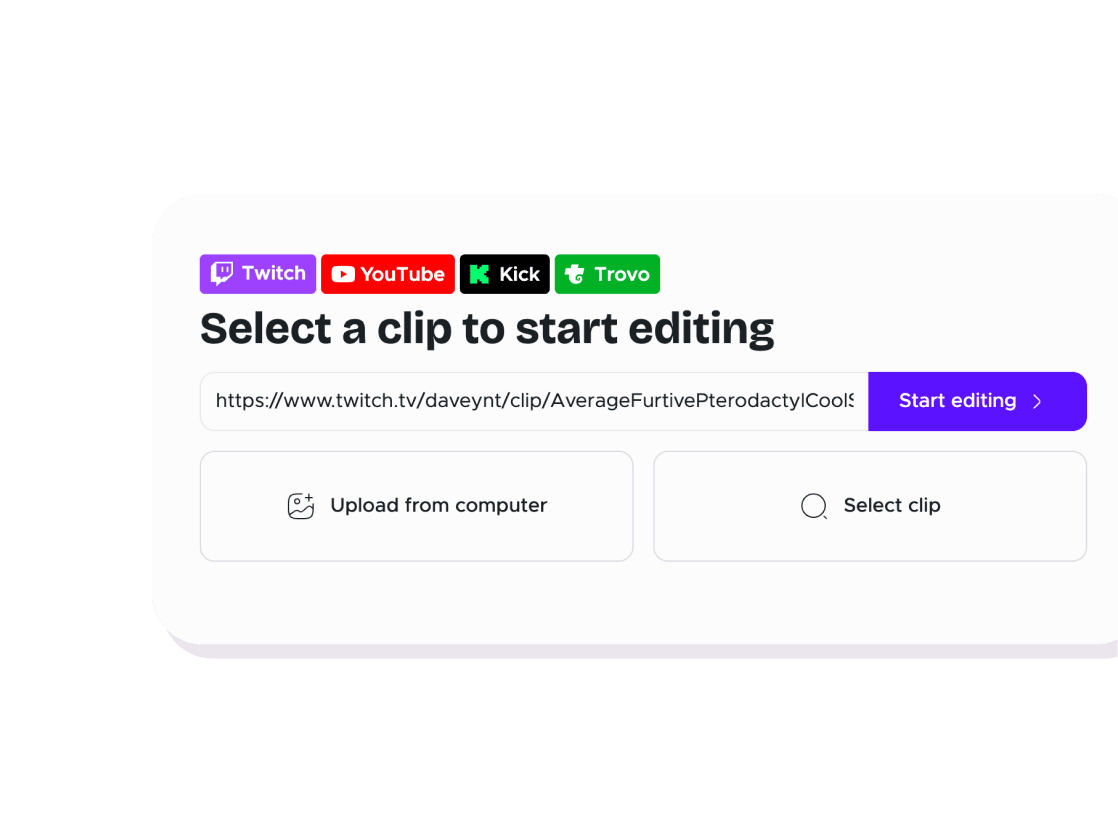
Select your clip
Import a clip by URL or pick one from your recent edits.
02

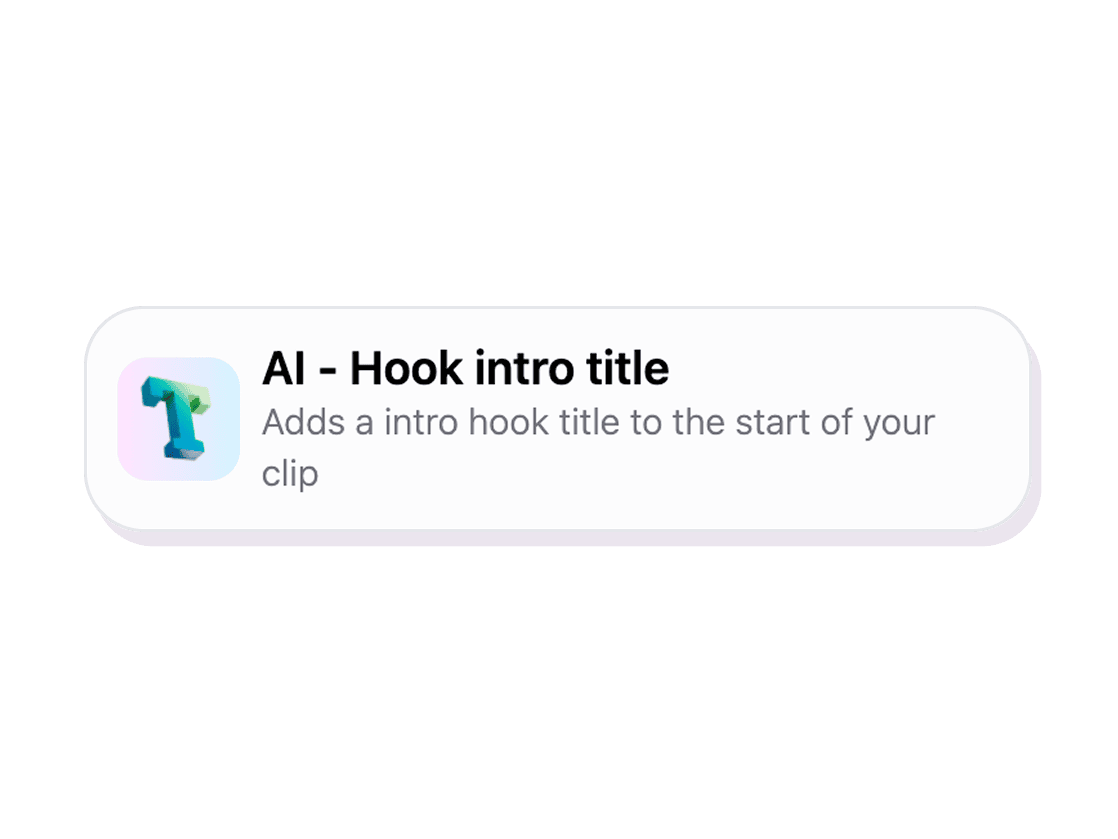
AI generates hook options
The AI analyzes your clip content and generates 3-5 hook title suggestions ranked by engagement potential.
03

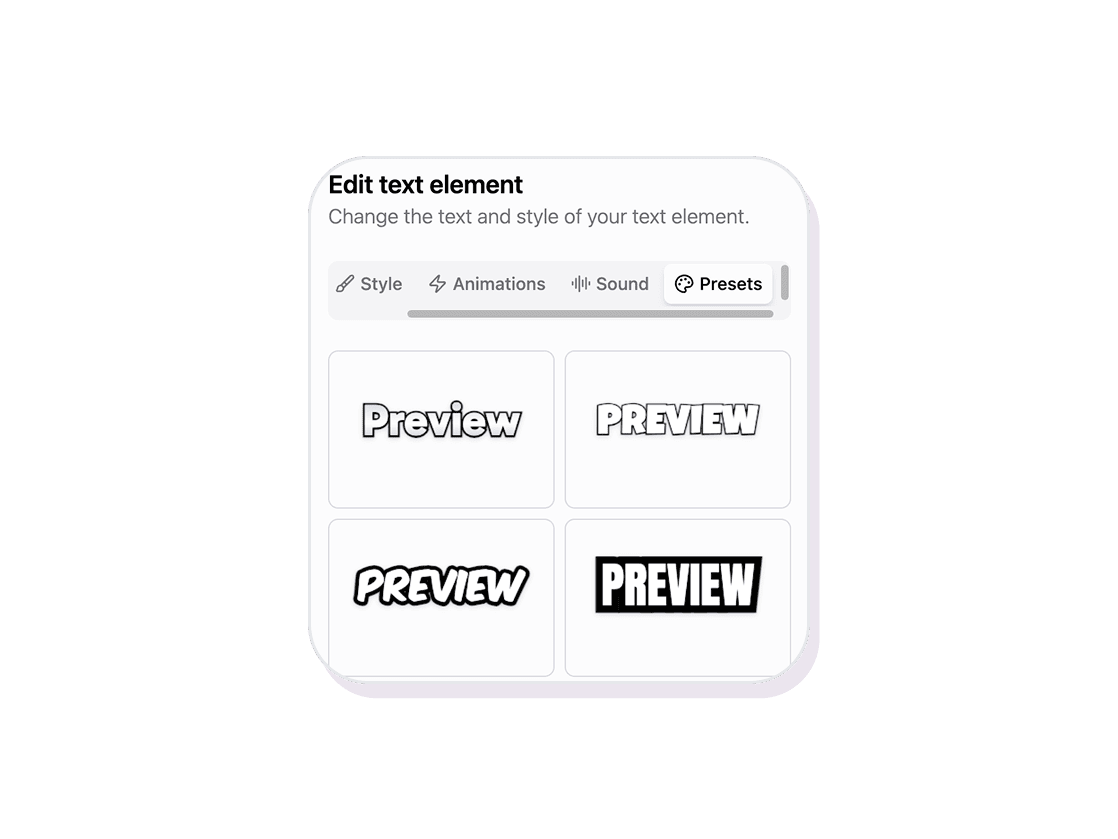
Pick and customize the title card
Choose your favorite hook, pick an animated style, adjust colors and font, then add it to the start of your clip.
Clip Editor
Stop the scroll with AI hook titles
AI analyzes your clip and generates hook titles that make viewers stop scrolling. Add animated title cards to the start of any clip.
AI-generated options
The AI analyzes your clip and suggests 3-5 hook titles ranked by engagement potential. Pick one and go, or use it as a starting point.
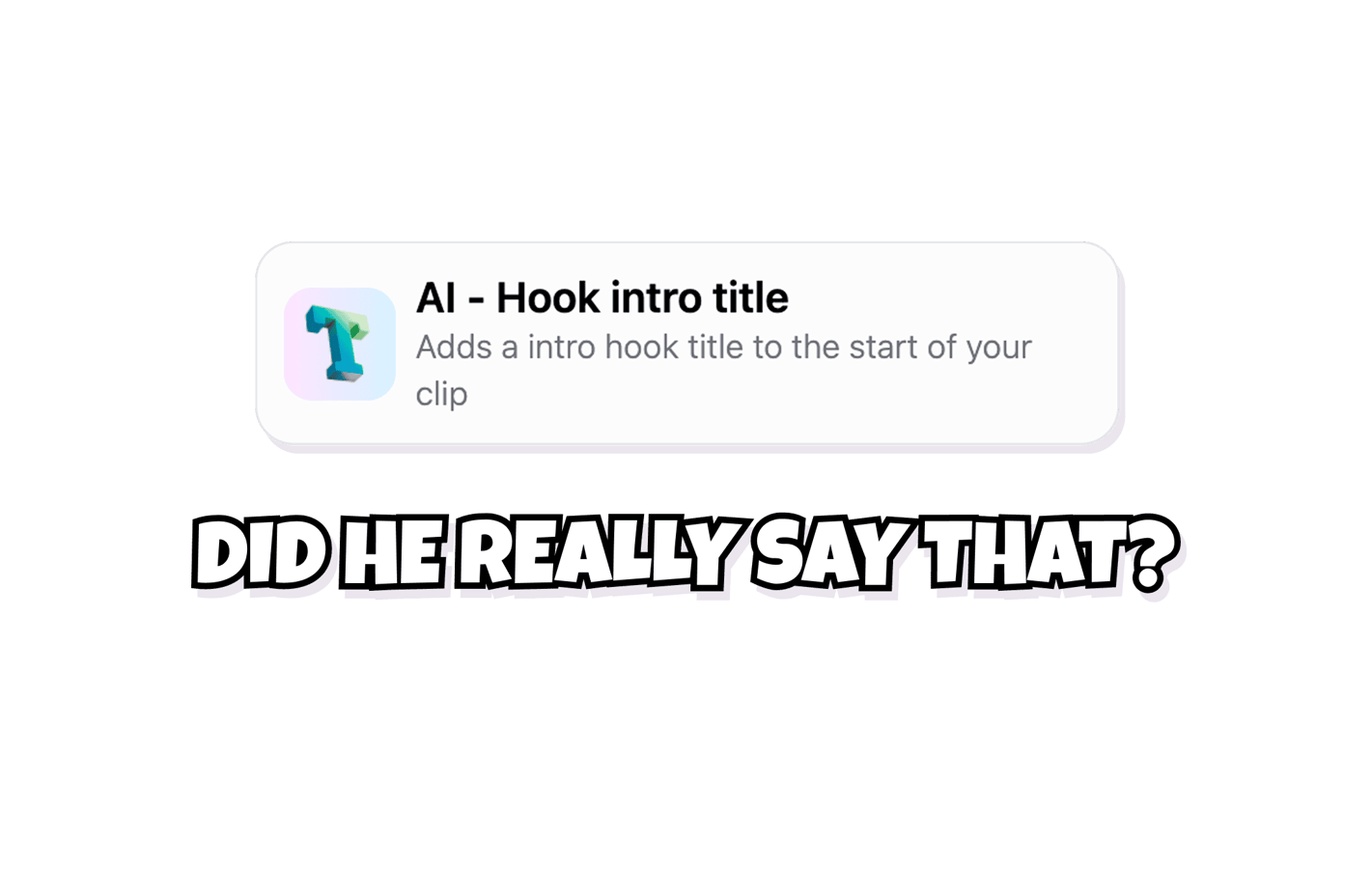
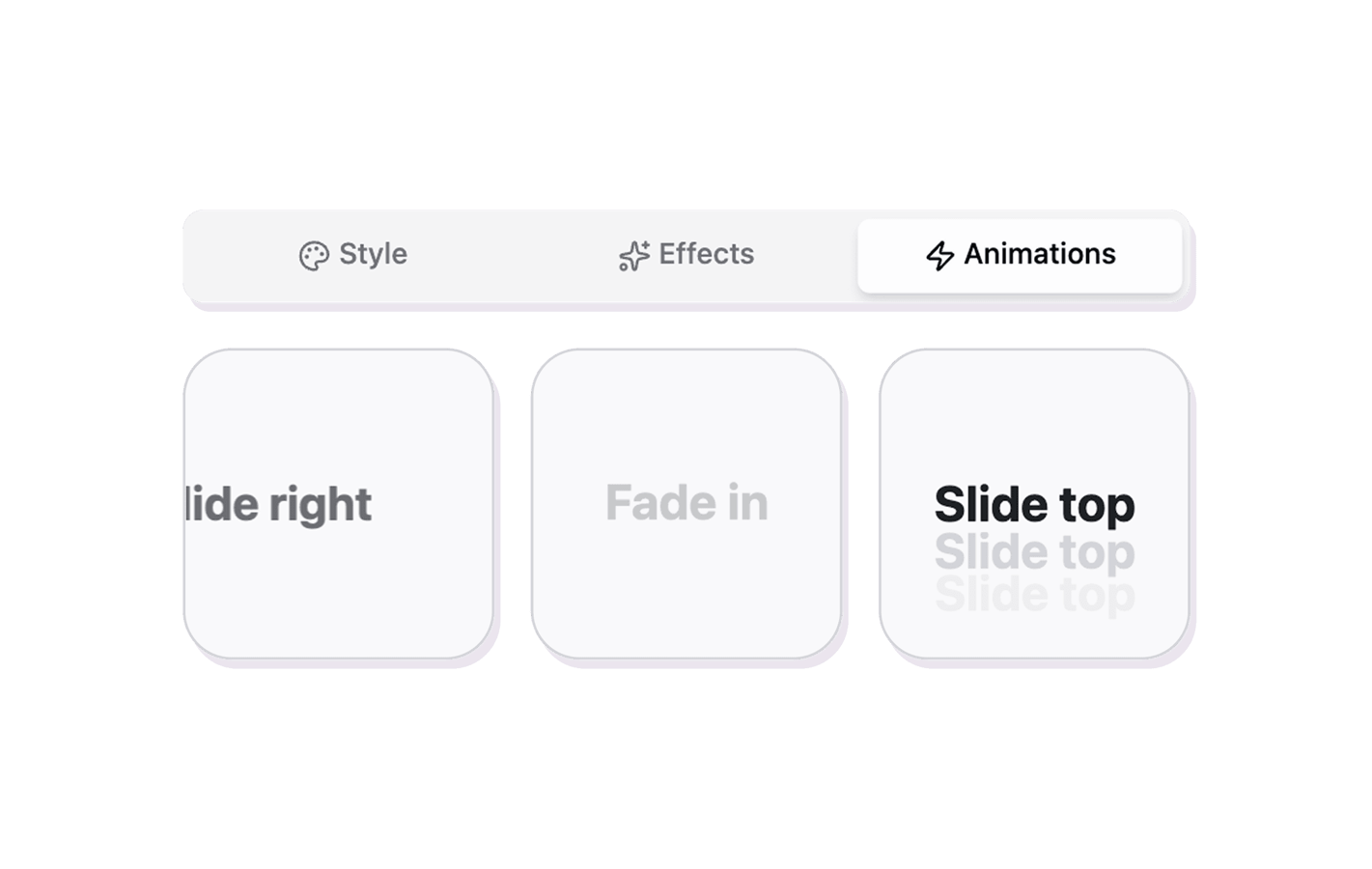
Animated title cards
Choose from typewriter, glitch, slide-in, fade, and bold pop styles. Each is designed to grab attention in the first second.
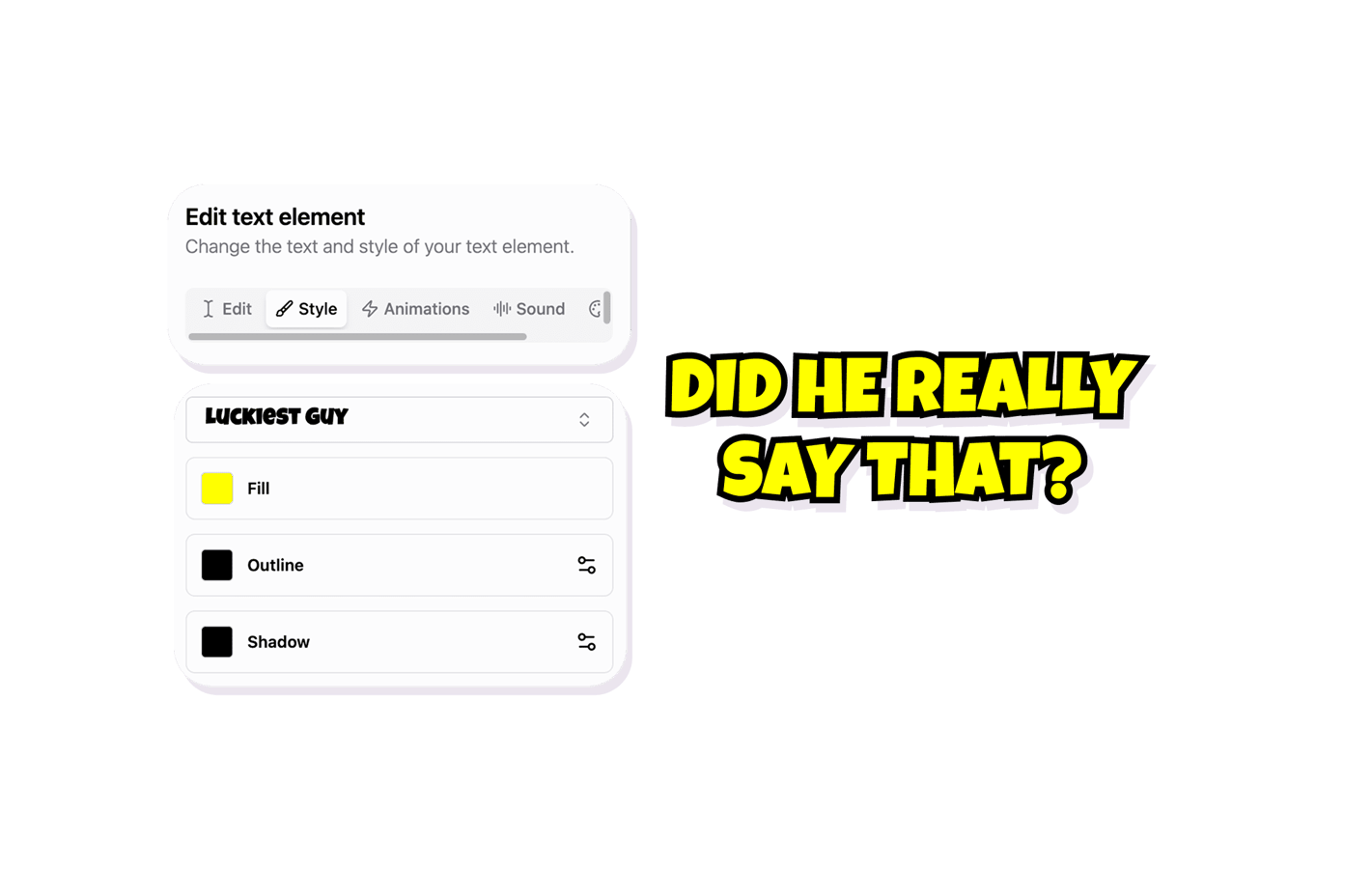
Fully editable
Edit the AI suggestions however you want. Change the wording, adjust colors and fonts, and place the title card anywhere on the timeline.
Explore Clip Editor features
11 million clips made by 1 million streamers
Real clips made by real creators using StreamLadder - totalling over a hundred million views.
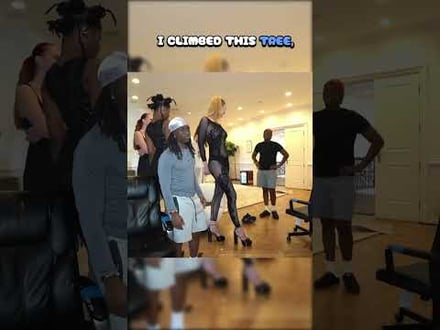
AhmetZone
Kai Standing Next To Basketball Players

@SomethingAboutChickens
Something About Chickens
Original sound · SomethingAboutChickens
AhmetZone
LIL BRO

@Stormwynne
EVIL DEER - Pumpkin Panic
Original sound · Stormwynne
JKPlays
guess my IQ

@Bobby Plays
COD Points the cheap way
Original sound · Bobby Plays
TheJuiceDen
xQc Reacts to LEGO Car VS. Growing Wall

Ubietoo
Greatest goal ever scored
Original sound · Ubietoo
TheJuiceDen
Divorce any% Speedrun

@Payzren
Mistaken for a voice actor
Original sound · Payzren
AsmonEnjoyer
Girls Cosplays VS Boys Cosplays

@Shaafes_
Hilarious Extraction Fail
Original sound · Shaafes_
AhmetZone
Kai Standing Next To Basketball Players
@SomethingAboutChickens
Something About Chickens
Original sound · SomethingAboutChickens
AhmetZone
LIL BRO
@Stormwynne
EVIL DEER - Pumpkin Panic
Original sound · Stormwynne
JKPlays
guess my IQ
@Bobby Plays
COD Points the cheap way
Original sound · Bobby Plays
TheJuiceDen
xQc Reacts to LEGO Car VS. Growing Wall
Ubietoo
Greatest goal ever scored
Original sound · Ubietoo
TheJuiceDen
Divorce any% Speedrun
@Payzren
Mistaken for a voice actor
Original sound · Payzren
AsmonEnjoyer
Girls Cosplays VS Boys Cosplays
@Shaafes_
Hilarious Extraction Fail
Original sound · Shaafes_
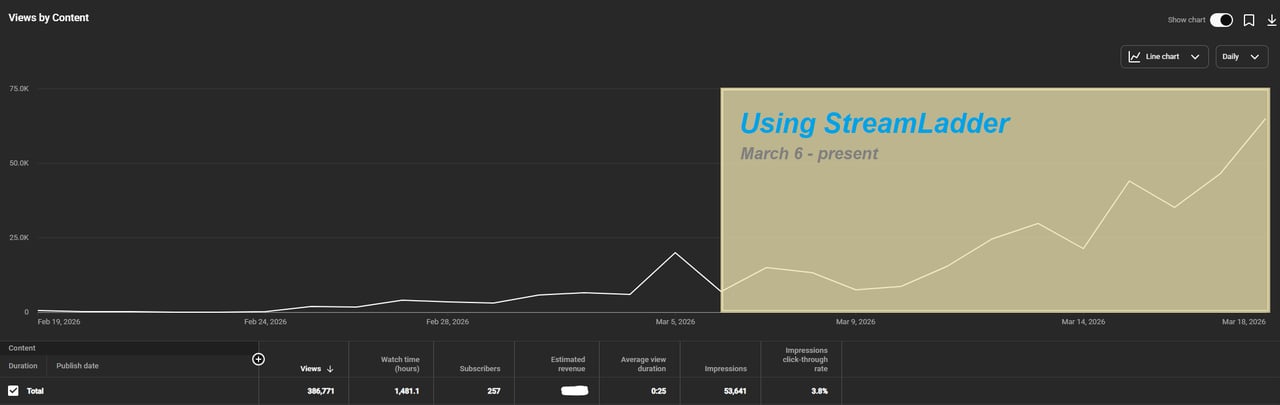
"StreamLadder's ClipGPT actually knows what clips will go viral. 48% of my sub growth from shorts was within just the last 2 weeks."


Dennabeast

RealMikeTheVike
https://youtube.com/@sidechopper
BIGEXAMPL

HistoryGangster
PunkRockNova
ItsJustFreshh
Bia Bunny

Christopher Dutcher
Crunchess
daizy
Damond Rickson
RiotEmpress
Nixie

KeithLovesGaming
daizy

kevin laderriere
Rulaxalt

Metaodos

Echozday

zerofaith/kick.com

ZBMBLive
https://www.twitch.tv/bsc_rio
twitch.tv/masterjoful

youtube.com/thestizzness

tiktok.com/@captainquain
DoubleNexus
https://www.twitch.tv/itzbuddytv

https://www.twitch.tv/dice_gaminggbr
Twitch.tv/daddymacgaming50474
www.twitch.tv/ishigonite

https://www.twitch.tv/gemstonelive
https://www.youtube.com/@MoonieRuns
twitch.tv/teafawn
https://www.twitch.tv/expbee

Fluffyman001
NiccoSilverado
LOLjustplayin

Twitch - Fluffyman001
twitch.tv/kodakodeinemyg

https://www.youtube.com/@Bunana_ch
twitch.tv/BluesTheCreator

Blackbeardbrian
Keko SIx

Popsgamer08

https://www.tiktok.com/@itsblazeys
kissblvke
Dennabeast
RealMikeTheVike
https://youtube.com/@sidechopper
BIGEXAMPL
HistoryGangster
PunkRockNova
ItsJustFreshh
Bia Bunny
Christopher Dutcher
Crunchess
daizy
Damond Rickson
RiotEmpress
Nixie
KeithLovesGaming
daizy
kevin laderriere
Rulaxalt
Metaodos
Echozday
zerofaith/kick.com
ZBMBLive
https://www.twitch.tv/bsc_rio
twitch.tv/masterjoful
youtube.com/thestizzness
tiktok.com/@captainquain
DoubleNexus
https://www.twitch.tv/itzbuddytv
https://www.twitch.tv/dice_gaminggbr
Twitch.tv/daddymacgaming50474
www.twitch.tv/ishigonite
https://www.twitch.tv/gemstonelive
https://www.youtube.com/@MoonieRuns
twitch.tv/teafawn
https://www.twitch.tv/expbee
Fluffyman001
NiccoSilverado
LOLjustplayin
Twitch - Fluffyman001
twitch.tv/kodakodeinemyg
https://www.youtube.com/@Bunana_ch
twitch.tv/BluesTheCreator
Blackbeardbrian
Keko SIx
Popsgamer08
https://www.tiktok.com/@itsblazeys
kissblvke
FAQ
Frequently asked questions
It analyzes the audio, visuals, and energy of your clip to suggest titles that create curiosity and make viewers watch.
Yes - pick any suggestion as a starting point and edit the text however you want.
Several styles including typewriter, glitch, slide-in, fade, and bold pop. Each style is designed to grab attention in the first second.
At the very start of your clip by default. You can also place it on the timeline at any point in the video.