Auto-censor words in your stream clips with AI
AI detects and bleeps out words you want censored. Set your word list or use the default profanity filter. Works automatically.
Word Censoring
Keep your clips platform-safe without losing the energy
Streams get heated. What flies on a live broadcast can get your clip taken down or demonetized on TikTok, YouTube, or Instagram. StreamLadder's Clip Editor uses AI to detect and bleep out words automatically - so your best moments stay platform-safe without losing the energy.
The default profanity filter catches common words, or you can build a custom word list with anything you want censored. The AI scans your audio, finds every instance, and replaces it with a clean bleep. Review each detection on the timeline before exporting to make sure nothing was missed or over-censored.
Word censoring is especially important if you're building a brand or working with sponsors. Clean clips get more reach, more shares, and more opportunities. The bleep itself has become a comedic element - a well-timed censor can actually make a clip funnier than the original.
After censoring, add captions to your clip - the AI syncs captions to the clean audio so censored words show as bleeped. Use hook titles to grab attention at the start, then publish with the Content Publisher.
AI Word Censoring
How AI Word Censoring works
Set your list. AI does the rest.
01

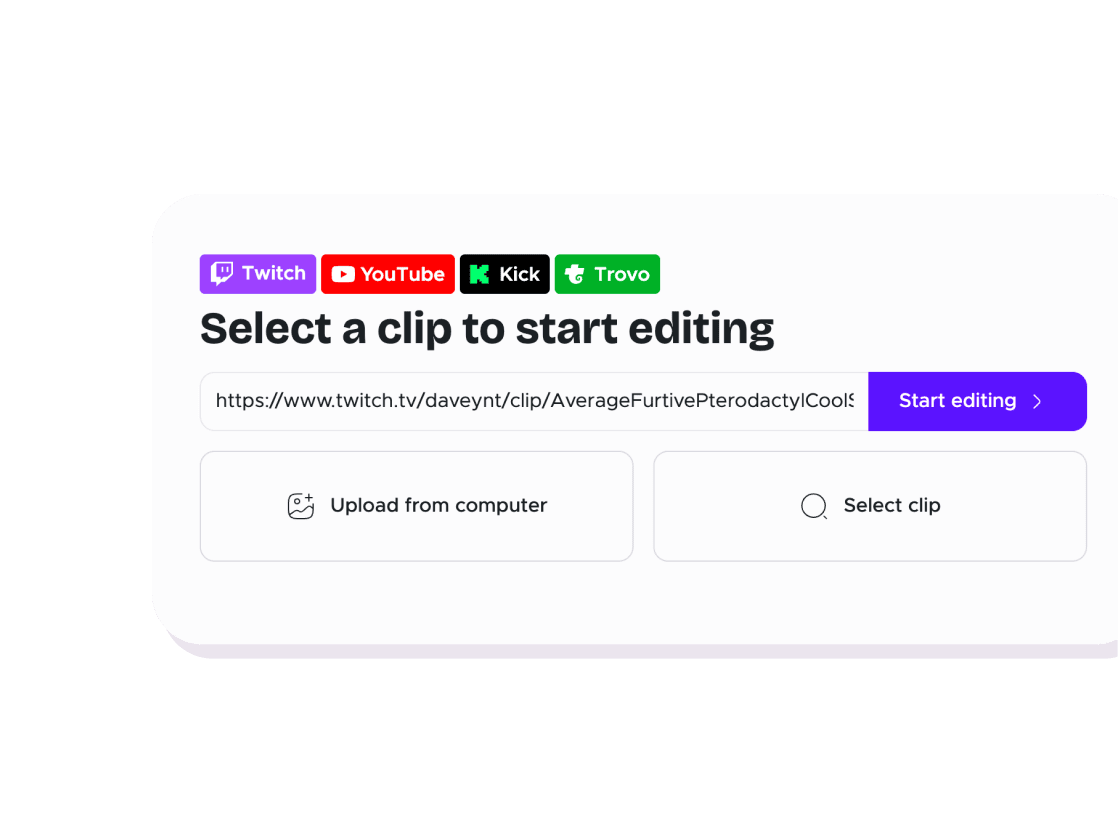
Open your clip in the editor
Import a clip by URL or upload a video file.
02

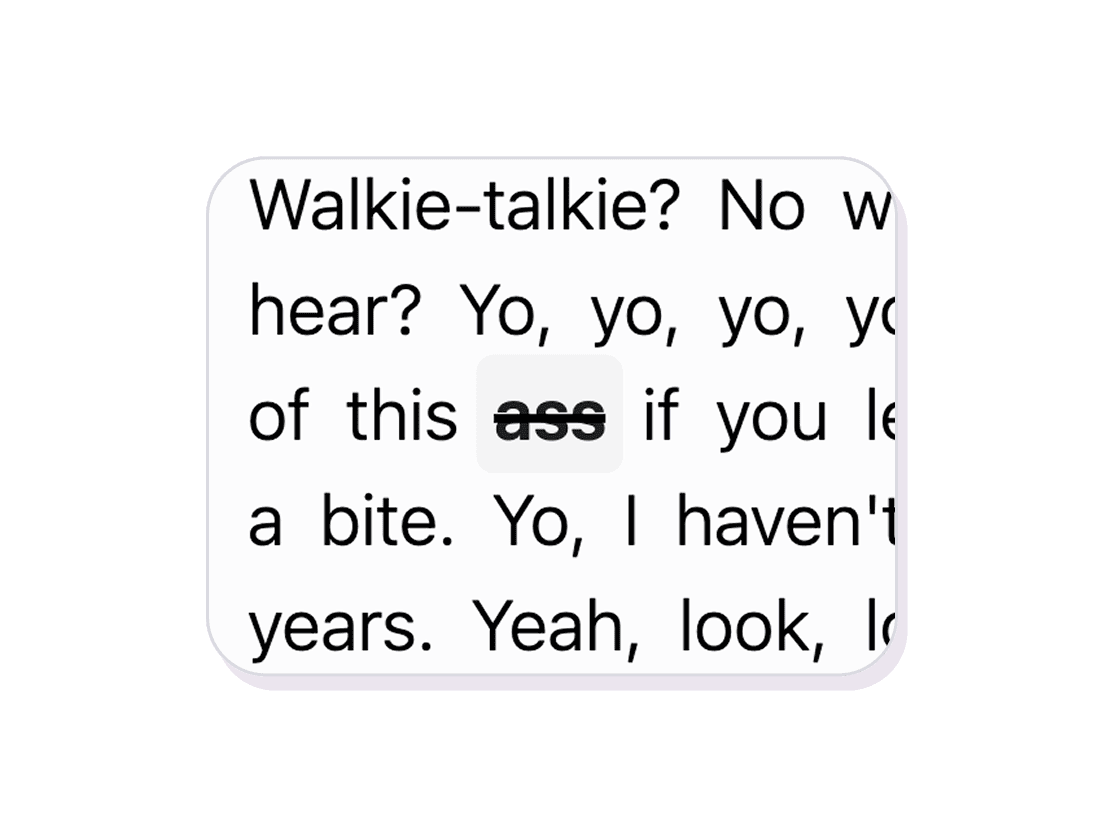
Set your censor words
Use the default profanity filter or add your own custom word list. Toggle individual words on or off.
03

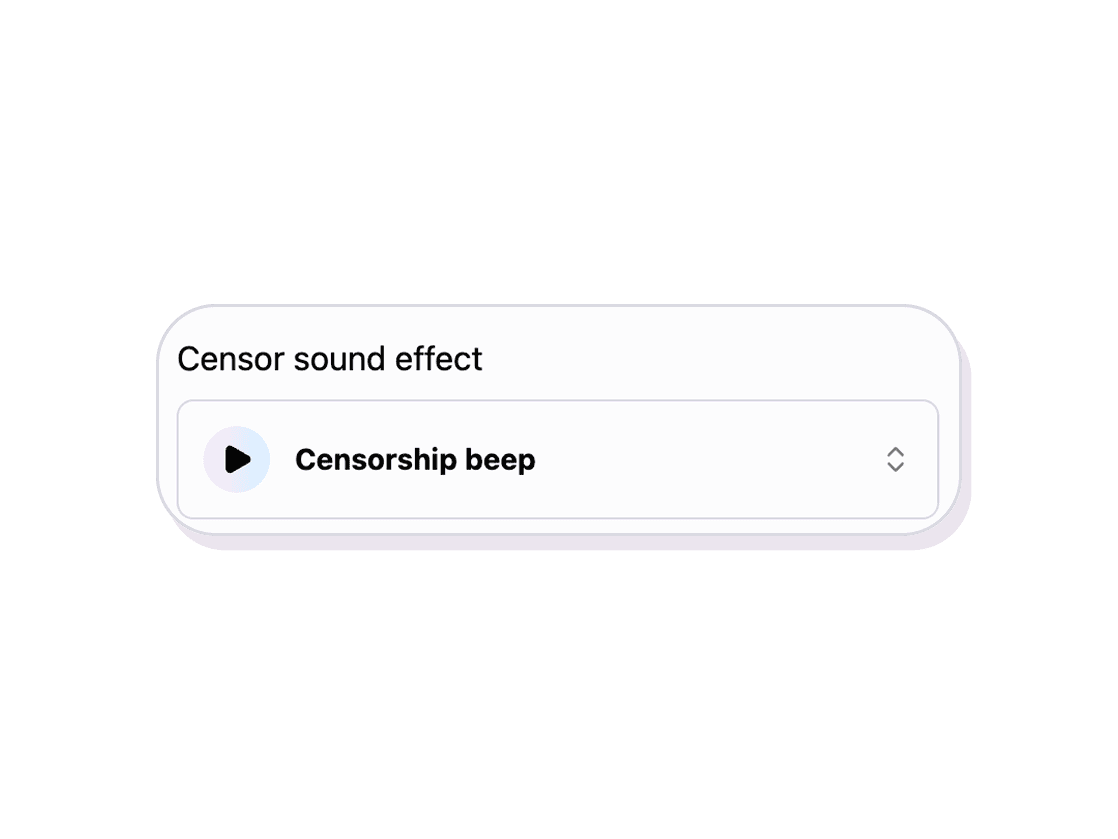
AI bleeps automatically
The AI detects every instance of your censored words and replaces the audio with a bleep. Review the results before exporting.
Clip Editor
Keep clips platform-safe with AI word censoring
AI detects and bleeps out words you want censored. Set your word list or use the default profanity filter. Works automatically.
AI-powered detection
The AI scans your audio and finds every instance of censored words automatically. No manual scrubbing through your clip.
Custom word lists
Use the built-in profanity filter or add your own words and phrases. Toggle individual words on or off for full control.
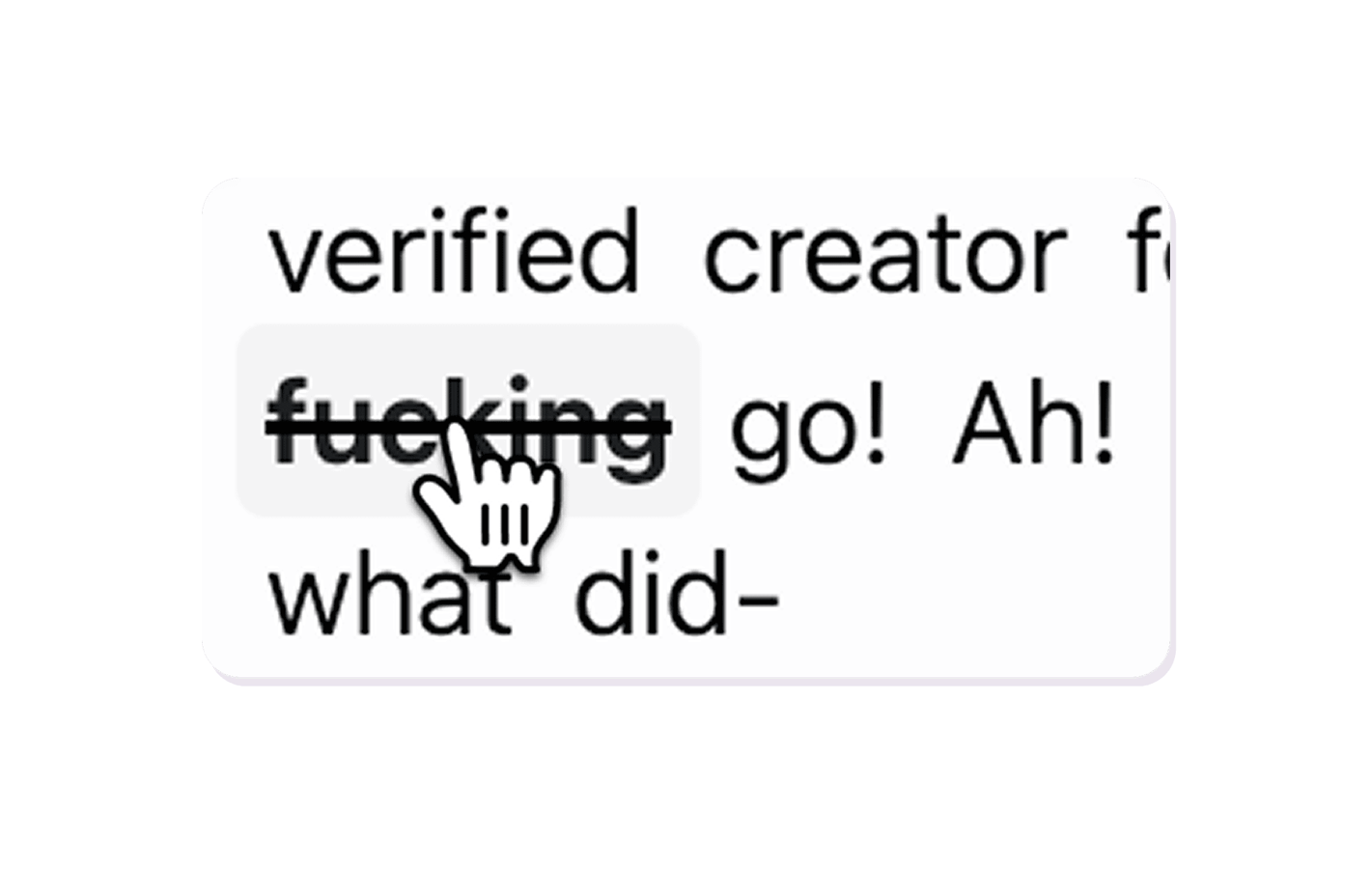
Review before export
Every detection is highlighted on the timeline. Listen to each one and confirm or undo the censor before exporting.
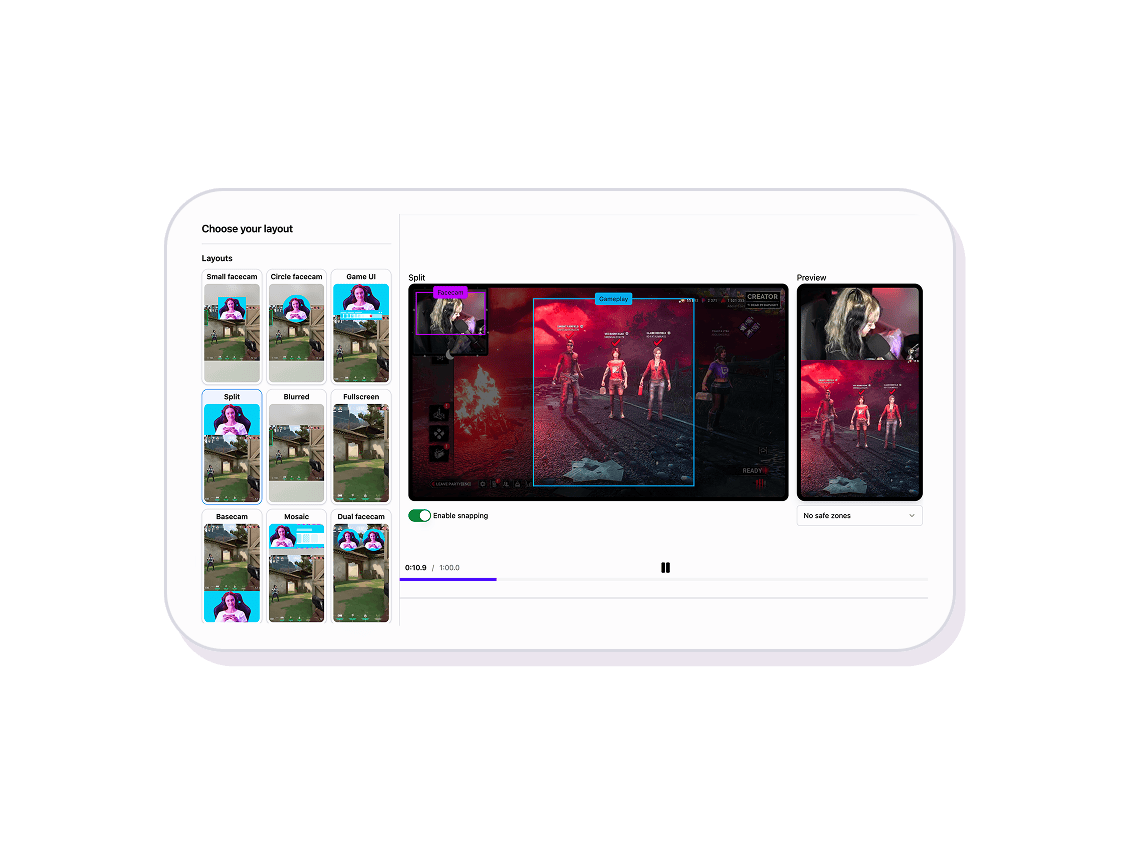
Explore Clip Editor features
11 million clips made by 1 million streamers
Real clips made by real creators using StreamLadder - totalling over a hundred million views.

AhmetZone
Kai Standing Next To Basketball Players

@SomethingAboutChickens
Something About Chickens
Original sound · SomethingAboutChickens
AhmetZone
LIL BRO

@Stormwynne
EVIL DEER - Pumpkin Panic
Original sound · Stormwynne
JKPlays
guess my IQ

@Bobby Plays
COD Points the cheap way
Original sound · Bobby Plays

TheJuiceDen
xQc Reacts to LEGO Car VS. Growing Wall

Ubietoo
Greatest goal ever scored
Original sound · Ubietoo
TheJuiceDen
Divorce any% Speedrun

@Payzren
Mistaken for a voice actor
Original sound · Payzren
AsmonEnjoyer
Girls Cosplays VS Boys Cosplays

@Shaafes_
Hilarious Extraction Fail
Original sound · Shaafes_
AhmetZone
Kai Standing Next To Basketball Players
@SomethingAboutChickens
Something About Chickens
Original sound · SomethingAboutChickens
AhmetZone
LIL BRO
@Stormwynne
EVIL DEER - Pumpkin Panic
Original sound · Stormwynne
JKPlays
guess my IQ
@Bobby Plays
COD Points the cheap way
Original sound · Bobby Plays
TheJuiceDen
xQc Reacts to LEGO Car VS. Growing Wall
Ubietoo
Greatest goal ever scored
Original sound · Ubietoo
TheJuiceDen
Divorce any% Speedrun
@Payzren
Mistaken for a voice actor
Original sound · Payzren
AsmonEnjoyer
Girls Cosplays VS Boys Cosplays
@Shaafes_
Hilarious Extraction Fail
Original sound · Shaafes_
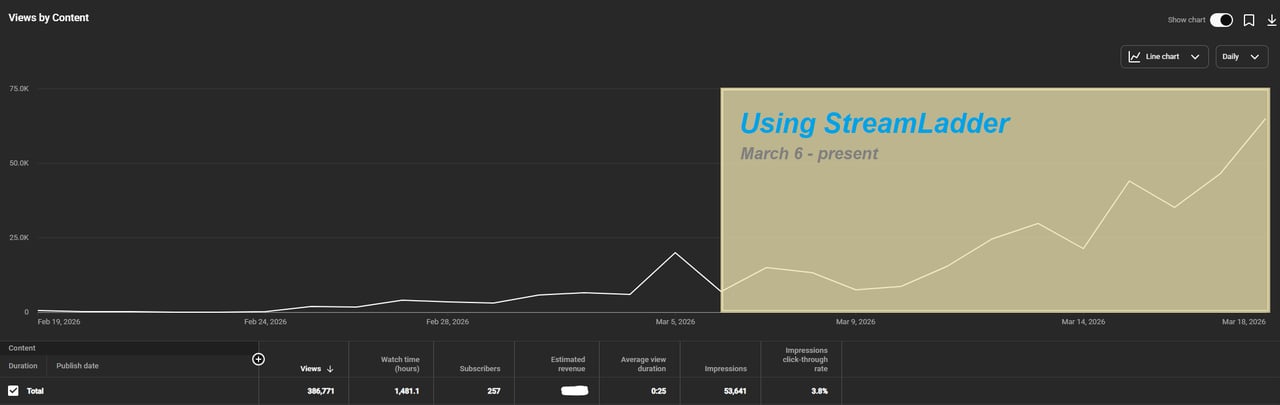
"StreamLadder's ClipGPT actually knows what clips will go viral. 48% of my sub growth from shorts was within just the last 2 weeks."


Dennabeast

RealMikeTheVike
https://youtube.com/@sidechopper

BIGEXAMPL

HistoryGangster
PunkRockNova
ItsJustFreshh
Bia Bunny

Christopher Dutcher

Crunchess
daizy
Damond Rickson
RiotEmpress

Nixie

KeithLovesGaming
daizy

kevin laderriere
Rulaxalt

Metaodos

Echozday

zerofaith/kick.com

ZBMBLive

https://www.twitch.tv/bsc_rio
twitch.tv/masterjoful

youtube.com/thestizzness

tiktok.com/@captainquain

DoubleNexus

https://www.twitch.tv/itzbuddytv

https://www.twitch.tv/dice_gaminggbr
Twitch.tv/daddymacgaming50474

www.twitch.tv/ishigonite

https://www.twitch.tv/gemstonelive

https://www.youtube.com/@MoonieRuns
twitch.tv/teafawn

https://www.twitch.tv/expbee

Fluffyman001
NiccoSilverado
LOLjustplayin

Twitch - Fluffyman001

twitch.tv/kodakodeinemyg

https://www.youtube.com/@Bunana_ch
twitch.tv/BluesTheCreator

Blackbeardbrian
Keko SIx

Popsgamer08

https://www.tiktok.com/@itsblazeys
kissblvke
Dennabeast
RealMikeTheVike
https://youtube.com/@sidechopper
BIGEXAMPL
HistoryGangster
PunkRockNova
ItsJustFreshh
Bia Bunny
Christopher Dutcher
Crunchess
daizy
Damond Rickson
RiotEmpress
Nixie
KeithLovesGaming
daizy
kevin laderriere
Rulaxalt
Metaodos
Echozday
zerofaith/kick.com
ZBMBLive
https://www.twitch.tv/bsc_rio
twitch.tv/masterjoful
youtube.com/thestizzness
tiktok.com/@captainquain
DoubleNexus
https://www.twitch.tv/itzbuddytv
https://www.twitch.tv/dice_gaminggbr
Twitch.tv/daddymacgaming50474
www.twitch.tv/ishigonite
https://www.twitch.tv/gemstonelive
https://www.youtube.com/@MoonieRuns
twitch.tv/teafawn
https://www.twitch.tv/expbee
Fluffyman001
NiccoSilverado
LOLjustplayin
Twitch - Fluffyman001
twitch.tv/kodakodeinemyg
https://www.youtube.com/@Bunana_ch
twitch.tv/BluesTheCreator
Blackbeardbrian
Keko SIx
Popsgamer08
https://www.tiktok.com/@itsblazeys
kissblvke
FAQ
Frequently asked questions
Very accurate for clear speech. It catches most profanity even when spoken quickly. You can review and adjust any missed or false detections.
Yes - add any word or phrase to your custom list. The AI will detect and bleep them along with the default filter.
A standard broadcast-style bleep. The censored audio is fully replaced so the original word is not audible.
Yes - every detected word is highlighted on the timeline. Click any one to listen and confirm or undo the censor.