Free
Turn a clip into a vertical video.
- Basic Clip Editor with all default layouts
- 720p exports, no watermark on basic edits
- Emote Maker, Schedule Maker and Clip Downloader
StreamLadder is free to start. Paid plans run from $15 to $39 a month.
7-day free trial · Cancel anytime
Turn a clip into a vertical video.
 Starter
Edit your clips fully and post them.
Everything in Free, plus:
Most popular
 Creator
Let ClipGPT clip your streams for you.
Everything in Starter, plus:
 Pro
Bring in your editor and go 4K.
Everything in Creator, plus:
Every paid plan starts with a 7-day free trial. Compare every feature per plan.
How pricing works
Yes, and it stays free. On the Free plan you can import a clip from Twitch, Kick or YouTube, pick a layout and export it in 720p at 30fps, without a watermark. The Emote Maker, Schedule Maker and Clip Downloader are free as well.
Captions, stickers and the other paid editing features in the Clip Editor are open to you too. A clip that uses them exports with a StreamLadder watermark until you start a trial or pick a plan.
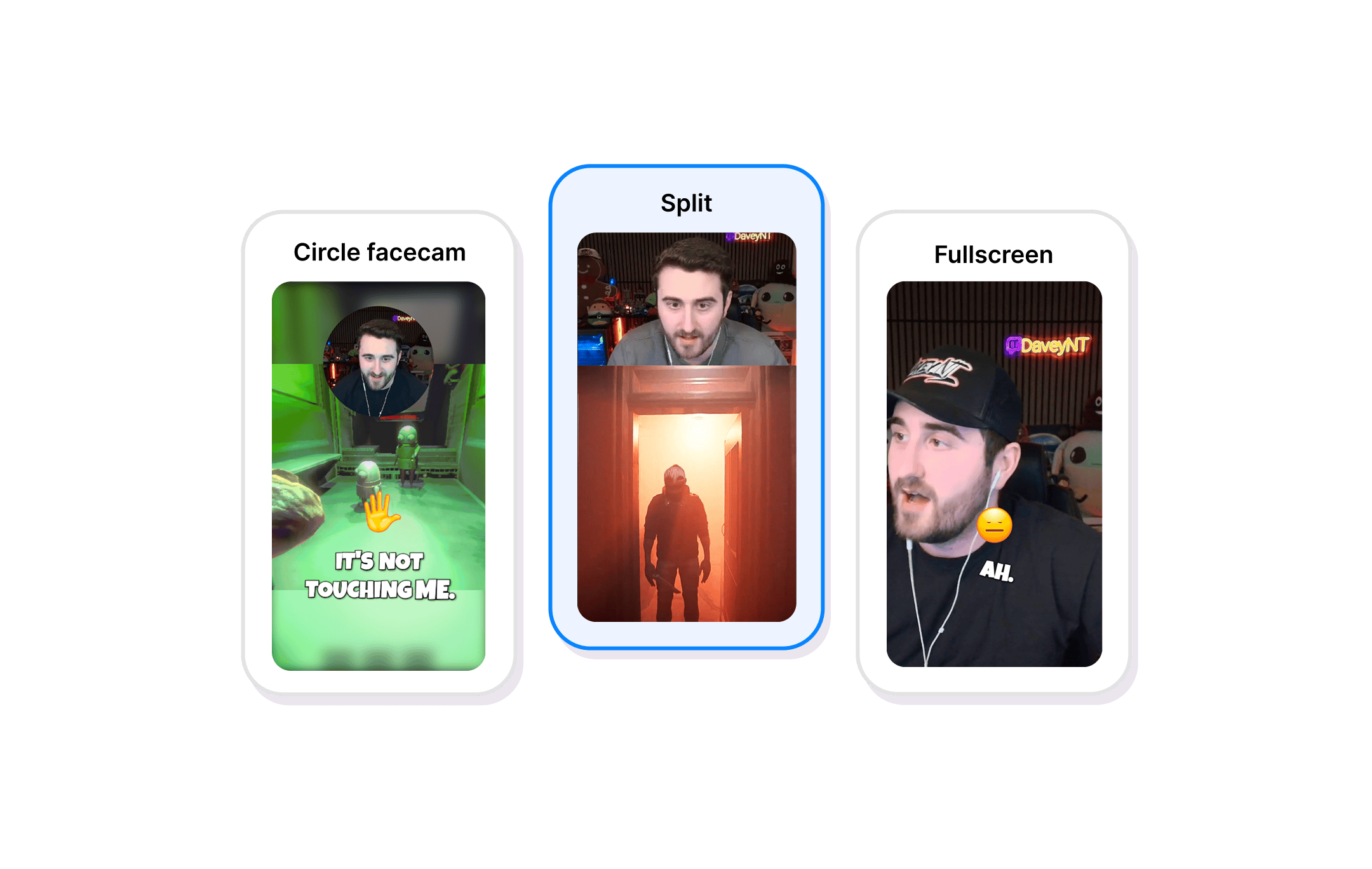
Starter is $15 a month, Creator $27 and Pro $39. Each plan includes everything in the one below it. If you pay yearly you get 2 months free, which makes it $150, $270 or $390 a year.
You don't buy ClipGPT separately. It's part of Creator and Pro, so ClipGPT starts at $27 a month. We don't count credits or minutes. Within fair use, a six-hour stream costs you the same as a one-hour stream.
We list prices in US dollars. At checkout you pay in your own currency if we support it, and your country may add sales tax or VAT.
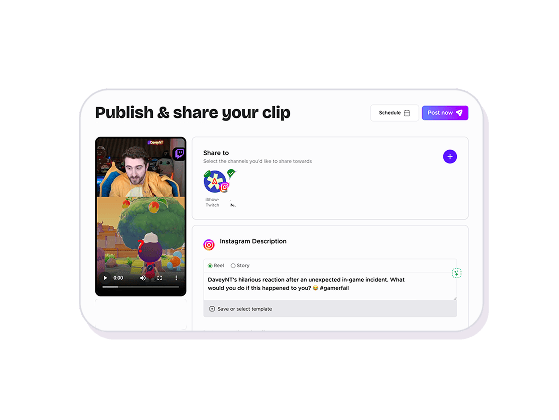
If you find and edit your own clips, Starter is enough. You get the full Clip Editor, and you can post and schedule your clips with the Content Publisher instead of uploading them one by one.
If you'd rather not scrub through a six-hour VOD looking for the good parts, take Creator. ClipGPT picks the moments most likely to do well on social and hands you finished clips. You can still fine-tune any of them in the Clip Editor if you want to.
Pro is Creator plus 4K exports, posting to X, and a team workspace where your editor can clip and post for you.
You can switch plans or cancel whenever you like in your account settings.
Yes. The StreamLadder app for iOS and Android uses the same account as the website, and your plan comes with it. It doesn't matter where you subscribed: a plan you bought in your browser works in the app, and a plan you bought in the app works on the website.
Everything syncs between the two. Start a clip on your computer after the stream and post it from your phone later.
You set up your account, so StreamLadder is ready for your channel before you make your first clip.
You connect your Twitch or Kick account, and we list your recent streams. Pick one, or upload a video, and ClipGPT turns it into finished clips of the moments most likely to do well on social. This project is free: it's part of the setup.
Then you connect the social accounts you post to, like TikTok, YouTube and Instagram, so you can post and schedule straight from StreamLadder. At the end you choose: start the 7-day trial, or carry on with the Free plan.
You can skip the setup if you'd rather look around first.
Free trial
Want to invite an editor during your trial? Start it on Pro, because the team workspace is a Pro feature.
Compare plans
Prices first, then every tool. A check means the plan includes it.
| Limit | Free | Starter | Creator | Pro |
|---|---|---|---|---|
| Monthly price | $0/month | $15/month | $27/month | $39/month |
| Yearly price | $0/year | $150/year $12.50 a month | $270/year $22.50 a month | $390/year $32.50 a month |
| Watermark | None on basic edits. Added when you use paid features | None | None | None |
| Credits or minute caps | None | None | None | None |
| Free trial | No trial needed | 7 days | 7 days | 7 days |
| iOS and Android app | ||||
 ClipGPTAI clipping: fully edited clips of the moments most likely to perform on social. | ||||
| ClipGPT projects | Not included | Not included | Unlimited within fair use | Unlimited within fair use |
| Clips from each stream | Up to 30 | Up to 30 | ||
| AI picks the moments from your stream | ||||
| Auto crop from horizontal to vertical | ||||
| Facecam detection and framing | ||||
| Auto captions, hashtags and hooks | ||||
| Import from Twitch | ||||
| Import from Kick | ||||
| Upload a video file, up to 10GB | ||||
| Find moments by searching the transcript | ||||
| Turn all clips into a YouTube video | ||||
 Clip EditorEdit a clip from horizontal to vertical yourself. | ||||
| Import from Twitch, Kick, Trovo and YouTube | ||||
| Default layouts | ||||
| Custom layouts | ||||
| Export quality | 720p at 30fps | 1080p at 60fps | 1080p at 60fps | 4K at 60fps |
| Upload file size | 200MB | 2GB | 2GB | 2GB |
| Captions | ||||
| Text and social stickers | ||||
| Animated stickers and GIFs | ||||
| Twitch emotes | ||||
| Twitch, TikTok, X or Instagram reactions | ||||
| Zoom and effects | ||||
| Text to speech | ||||
| Music and sound effects | ||||
| AI word censoring | ||||
| AI hook intro title | ||||
| AI silence removal | ||||
 Content PublisherPost and schedule your clips from one place. | ||||
| Connected social accounts | Unlimited | Unlimited | Unlimited | |
| Post and schedule to TikTok | ||||
| Post and schedule to YouTube | ||||
| Post and schedule to Instagram | ||||
| Post and schedule to Facebook | ||||
| Post and schedule to X | ||||
| Save hashtags | ||||
 WorkspacesInvite editors to clip and schedule for you. | ||||
| Invite editors to your workspace | Up to 2, more on request | |||
| Control what each editor can view or post | ||||
 Montage MakerCombine edited clips into one video. | ||||
| Combine clips into a montage | ||||
| Create a YouTube video from your stream | ||||
 Schedule MakerShow your viewers when you go live. | ||||
| Create a stream schedule for social media | ||||
| Ready-made templates | ||||
| Customize your templates | ||||
 Emote MakerTurn a moment from a clip into an emote. | ||||
| Create an emote from your clip | ||||
| Export for Twitch, 7TV or BTTV | ||||
Prices in US dollars. Tax may apply depending on your country. Last verified November 16, 2026.
FAQ
The Free plan costs nothing. Starter is $15 a month, Creator $27 and Pro $39. Paying yearly costs $150, $270 or $390.
Yes. The Free plan has no time limit. You get the basic Clip Editor with 720p exports, plus the Emote Maker, Schedule Maker and Clip Downloader. Paid editing features work too, with a watermark on the export.
Yes. Starter, Creator and Pro each start with 7 days free. You add a card to start, you pay nothing during the trial, and you can cancel before it ends.
Yes. You add a card when you start the trial. Your first payment comes after the 7 days, and there is none if you cancel before then.
Your plan carries on and you make your first payment, monthly or yearly, whichever you picked. If you cancelled before the end, you pay nothing.
You get 2 months free. Starter is $150 a year instead of $180, Creator $270 instead of $324 and Pro $390 instead of $468.
Yes. The StreamLadder app for iOS and Android uses the same account as the website. A plan you bought in your browser works in the app, and a plan you bought in the app works on the website. Everything syncs between them.
We list prices in US dollars. At checkout you see your own currency if we support it, and your country may add sales tax or VAT.
Yes, whenever you like, in your account settings. If you bought your plan in the iOS or Android app, you cancel it in your App Store or Google Play subscriptions instead.
Yes, if you ask quickly and haven't used StreamLadder since you paid: within 48 hours of a monthly payment or 14 days of a yearly one. You ask under Plans & Billing in your account settings, and the refund policy has the full rules. Plans bought in the iOS or Android app are different. Apple or Google sold them, so you ask the App Store or Google Play.
The deal that's always on is yearly billing: 2 months free. If we have an offer for your account, you'll see it on the upgrade page and we apply it at checkout.
Silver and Gold are now Starter, and Gold with ClipGPT is now Pro. If you were already subscribed, you kept your old price for as long as that subscription runs. The plans announcement explains the switch.